Arduino & Microcontroller Specifications Guide
Selecting the right microcontroller and compatible modules is crucial for your project's stability. Here is a technical breakdown of our core Arduino ecosystem components:
| Component Category |
Key Technical Features |
Best Use Case |
| Development Boards |
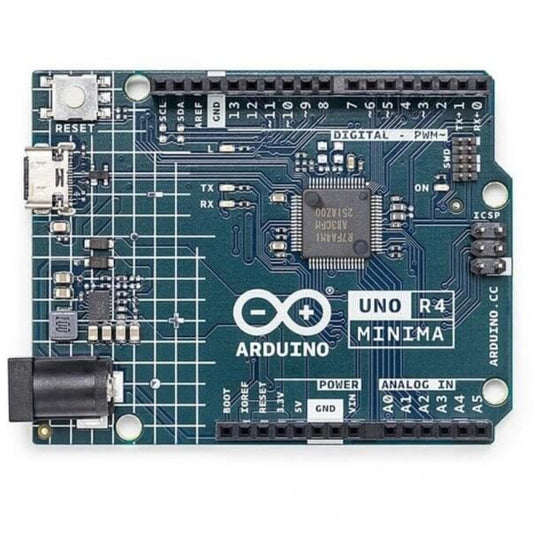
Arduino Uno R3 (5V Logic), ESP32 / ESP8266 (3.3V Logic) |
Core processing for STEM education, robotics, and Wi-Fi/Bluetooth IoT nodes. |
| Sensors & Detectors |
HC-SR04 (Ultrasonic), DHT11/22 (Temp/Humidity), MPU-6050 (Gyro) |
Environmental monitoring, obstacle avoidance, and motion tracking. |
| Motor Drivers & Actuators |
L298N (DC Motors), A4988 (Steppers), SG90/MG996R (Servos) |
Providing high-current power delivery to drive robotic wheels and mechanical arms. |
| Displays & Interfaces |
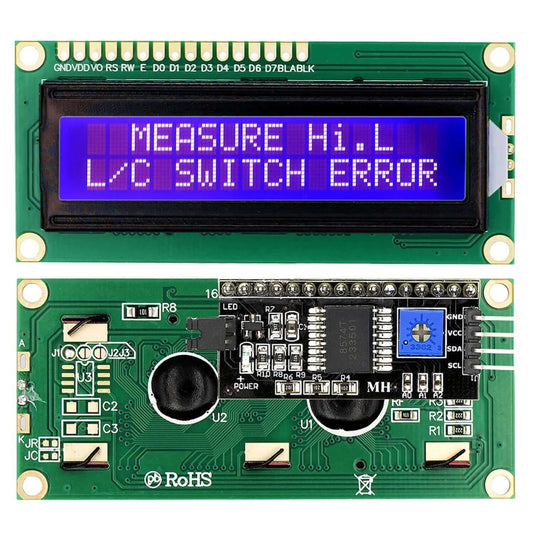
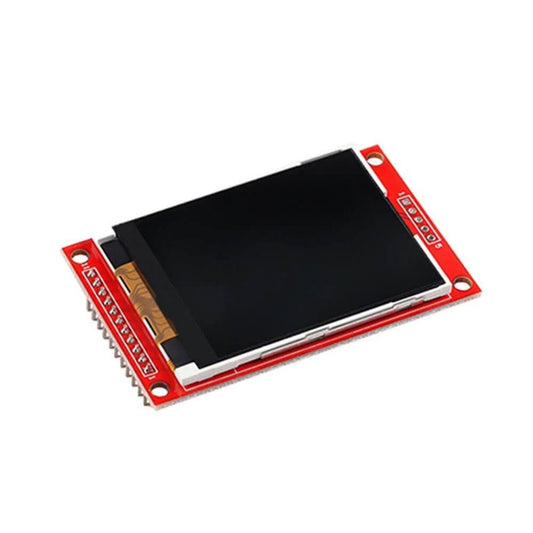
SSD1306 OLED (I2C), ST7735 TFT LCD (SPI), 1602 LCD |
Real-time data visualization and user interface creation. |
Important Note (Hardware Limitations & Burn Hazards): Never power a DC motor or a high-torque servo (like the MG996R) directly from the Arduino's 5V pin. The Arduino's onboard voltage regulator can only supply around 500mA. Motors draw significant current spikes when starting or stalling; drawing this power from the Arduino will instantly overheat the regulator and fry the board. Always use a dedicated motor driver (e.g., L298N) powered by an external battery pack. Additionally, be highly aware of logic voltages: sending a 5V sensor signal into a 3.3V ESP32 pin will destroy the chip.
Frequently Asked Questions (FAQ)
Q: I plugged my compatible Arduino Uno into my PC, but the Arduino IDE cannot find the COM port. Why?
A: Most third-party compatible Arduino boards use the CH340 USB-to-Serial chip instead of the original ATmega16U2. Windows and Mac do not always install this driver automatically. You must manually download and install the "CH340 driver" for your computer to recognize the board. We stock both original and CH340-compatible boards to suit different budgets.
Q: Why is my I2C OLED display (SSD1306) not turning on?
A: If your wiring (VCC, GND, SCL, SDA) is correct, the issue is usually the I2C address in your code. While many tutorials use the address 0x3C, some display modules are hardwired to 0x3D. Use an "I2C Scanner" sketch to find the exact address of your module and update your code accordingly.