
-
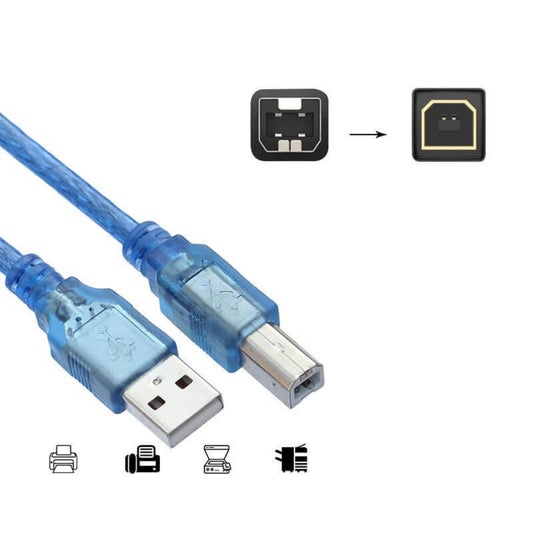
USB 2.0 A-Male to B-Male Printer Cable - High Speed, Blue
Regular price From HK$15.00Regular price -
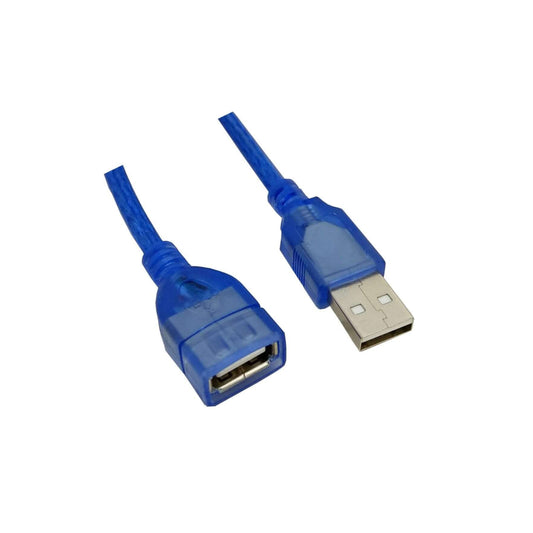
USB 2.0 Extension Cable - A Male to Female Extender (1.5M/3M/5M)
Regular price From HK$15.00Regular price -
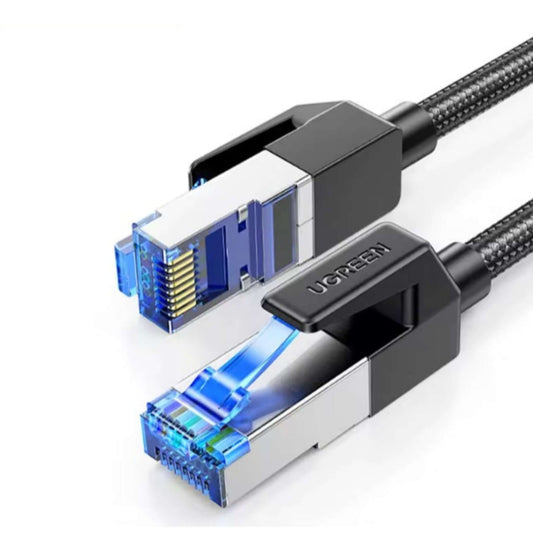
UGREEN Cat 8 Ethernet Cable - 40Gbps, 2000MHz Braided LAN Cord
Regular price From HK$49.00Regular price -
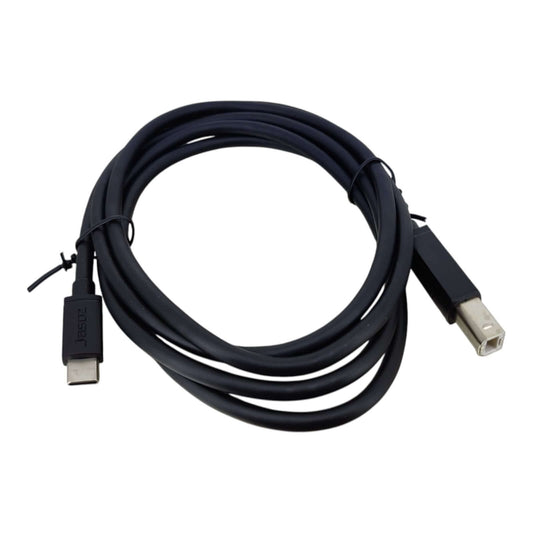
1.5m USB 2.0 Type-C to USB-B Printer & Device Cable | High-Speed Data
Regular price HK$38.00Regular price -
FS 2M OS2 Singlemode Duplex LC-SC Fiber Patch Cable, Yellow
Regular price HK$35.00Regular price -
SATA 22-Pin Data & Power Combo Cable for 2.5" & 3.5" Drives - 40cm
Regular price HK$20.00Regular price -
USB 5V to 9V Step-Up Converter Cable (5.5x2.1mm Plug)
Regular price HK$25.00Regular price -
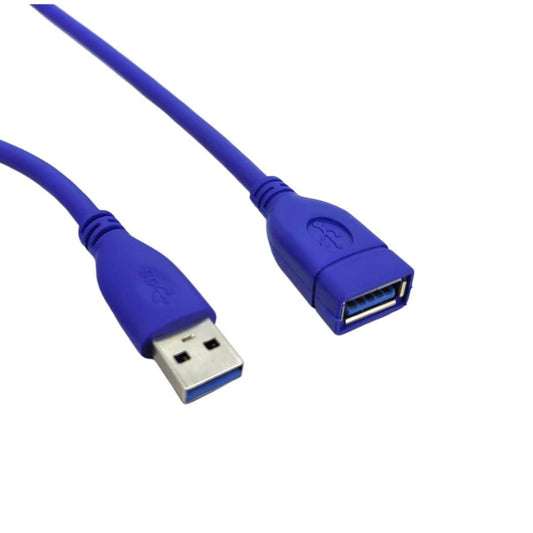
USB 3.0 SuperSpeed Extension Cable (A-Male to A-Female)
Regular price From HK$35.00Regular price -
SATA Power Splitter Cable 15 Pin Male to Dual Female Adapter
Regular price HK$15.00Regular price -
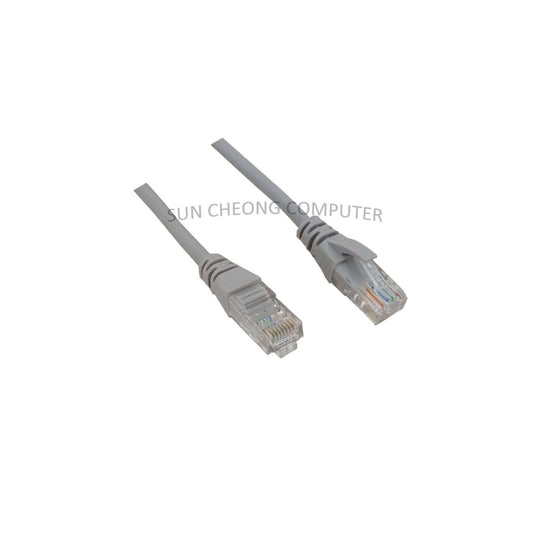
HQ Cat5E Ethernet Cable - High-Speed RJ45 Patch Cable
Regular price From HK$15.00Regular price -
UGREEN Cat6 Gigabit Ethernet Cable | RJ45 LAN Network Wire (1m-20m)
Regular price From HK$20.00Regular price -
MT-VIKI 50m USB Extender over Cat5e/Cat6 | USB to RJ45 Adapter
Regular price HK$79.00Regular price -
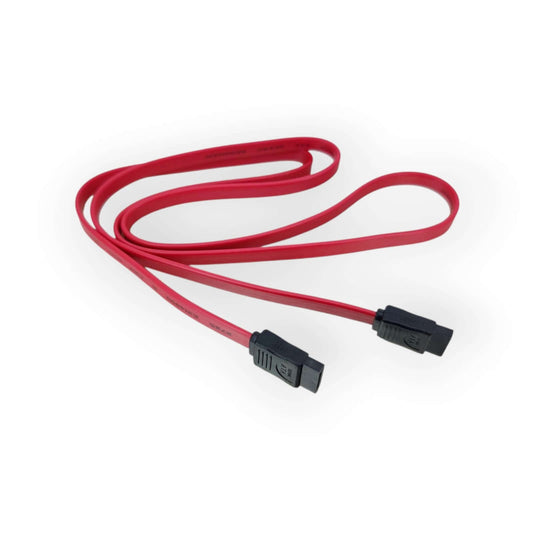
1M Red SATA Data Cable for HDD/SSD - High-Speed & Durable
Regular price HK$10.00Regular price -
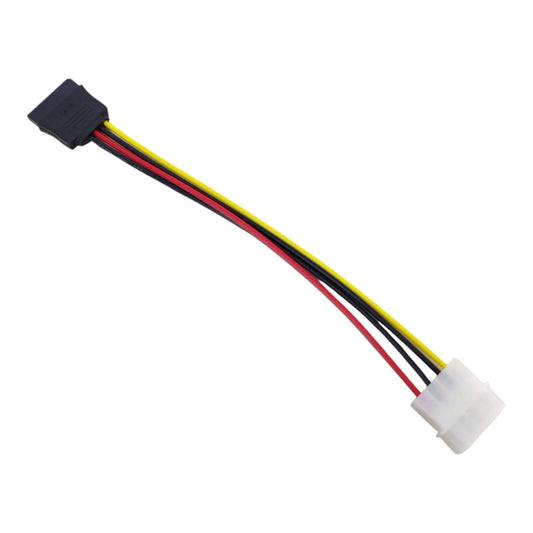
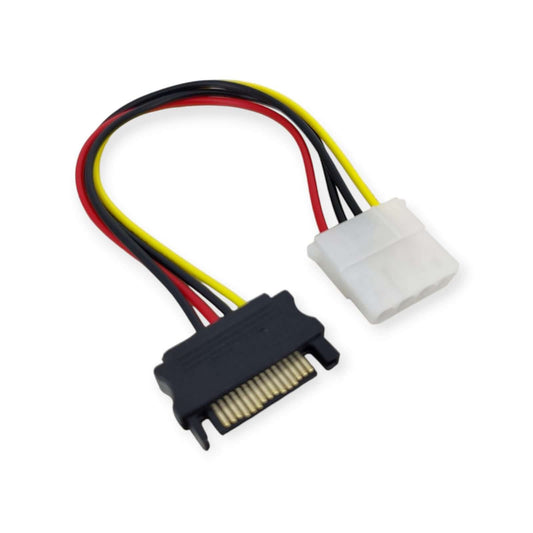
20cm SATA Power Cable Adapter - 4-Pin Molex to 15-Pin SATA for HDD/SSD
Regular price HK$5.00Regular price -
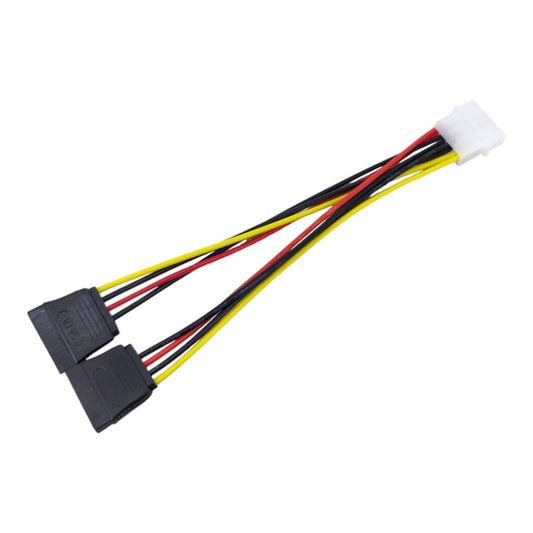
Molex 4-Pin to Dual SATA Power Splitter Cable Adapter for HDD/SSD
Regular price HK$15.00Regular price -
SATA to Molex Power Adapter Cable - 4Pin to 15Pin Converter
Regular price HK$10.00Regular price





PC & Network Cable Specifications Guide
Choosing the correct cable category directly impacts your data transfer speeds and system safety. Here is a technical breakdown of our core connectivity solutions:
| Cable Category | Key Specifications | Best Use Case |
|---|---|---|
| Ethernet (LAN) Cables | Cat6 (1Gbps/250MHz) to Cat8 (40Gbps/2000MHz) | Home routers, PC gaming, and enterprise data centers. |
| SATA Data & Power | SATA III (6.0 Gbps), 15-Pin Power Splitters | Internal PC builds, adding extra HDDs or SSDs to a motherboard. |
| Industrial USB Adapters | USB to RS232 (DB9) / RS485 / IEEE 1284 | Connecting modern PCs to legacy CNC machines, PLCs, and barcode printers. |
Important Note (Hardware Limitations & Fire Hazards): When expanding PC storage, be extremely cautious with "Molex to SATA" power adapters. Cheaply molded adapters are notorious for causing electrical shorts and fires (often referred to in the IT community as "Molex to SATA, lose all your data"). We strongly recommend using the native SATA power cables from your PSU whenever possible. Furthermore, upgrading to a Cat8 Ethernet cable will not increase your internet speed if your ISP plan or router is limited to 1Gbps.
Frequently Asked Questions (FAQ)
Q: I bought a USB to RS232 serial cable, but my Windows PC says "Device Not Recognized". Why?
A: This is almost always a driver or chipset issue. Cheap serial cables use cloned chips that modern Windows updates actively block. For industrial applications, you must use a cable with a genuine FTDI or Prolific (PL2303) chipset. We stock Z-TEK industrial-grade serial cables that guarantee plug-and-play compatibility with Windows and Linux.
Q: Does the length of a SATA III data cable affect my SSD speed?
A: Yes. The official SATA specification limits cable length to 1 meter (3.3 feet). Using a SATA cable longer than this can result in data corruption, CRC errors, and drive dropouts. For optimal performance in large PC cases, keep your SATA cables as short as possible (typically 30cm to 50cm).