
-
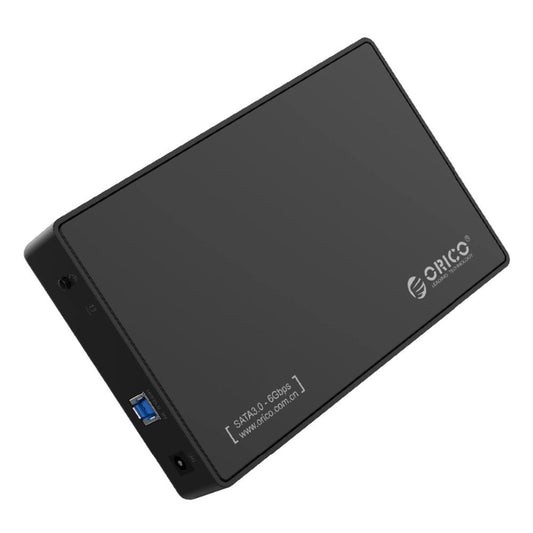
ORICO 3588US3 3.5" SATA HDD Enclosure - USB 3.0, Tool-Free
Regular price $510.00 TWDRegular price -
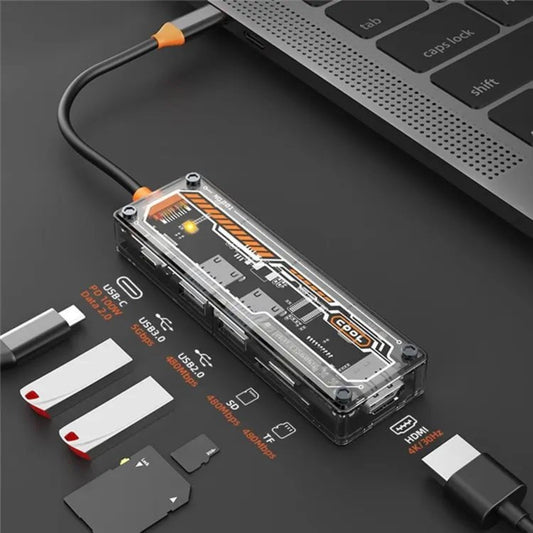
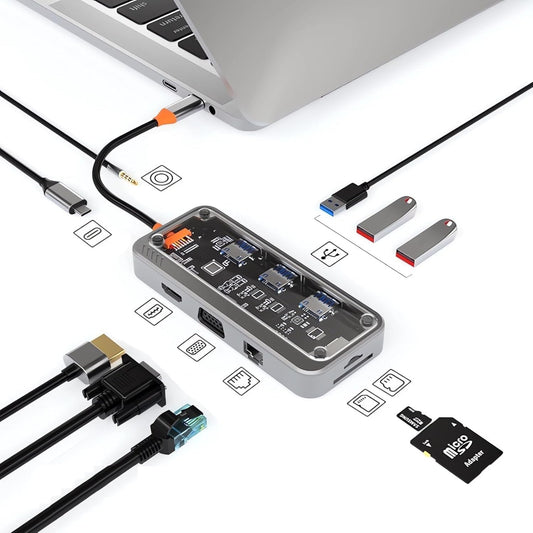
6-in-1 USB-C Hub: Docking Station with 100W PD & HDMI
Regular price $332.00 TWDRegular price -
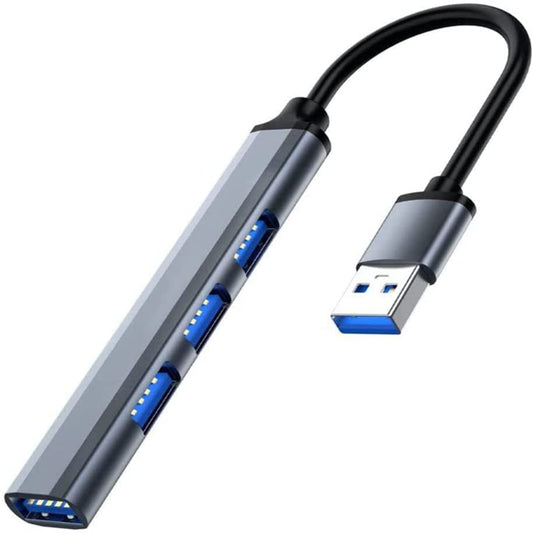
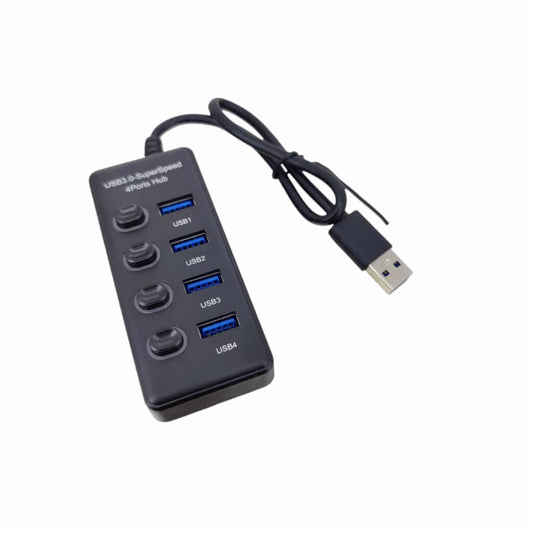
USB 3.0 Hub Aluminum Alloy 4-Port Adapter for Laptops & PCs
Regular price $81.00 TWDRegular price -
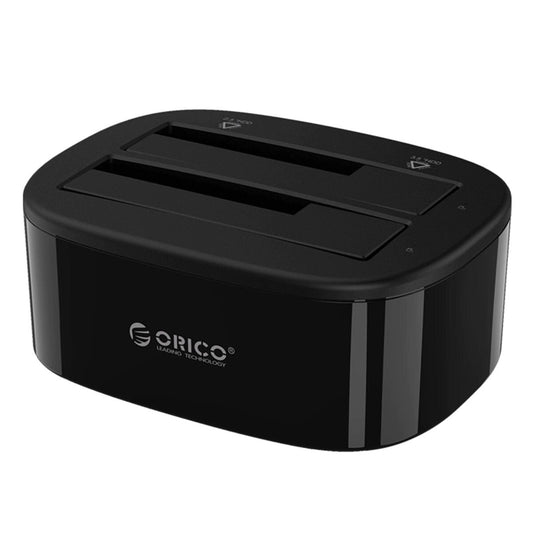
ORICO Dual Bay USB 3.0 Hard Drive Docking Station
Regular price $713.00 TWDRegular price -
10-in-1 USB-C Hub: 100W PD, 4K HDMI, Gigabit Ethernet
Regular price $841.00 TWDRegular price -
2-in-1 M.2 NGFF & mSATA to SATA III 2.5" SSD Adapter Enclosure
Regular price $162.00 TWDRegular price -
USB 3.0 4-Port Hub with Individual Switches & 5Gbps Speed
Regular price $191.00 TWDRegular price -
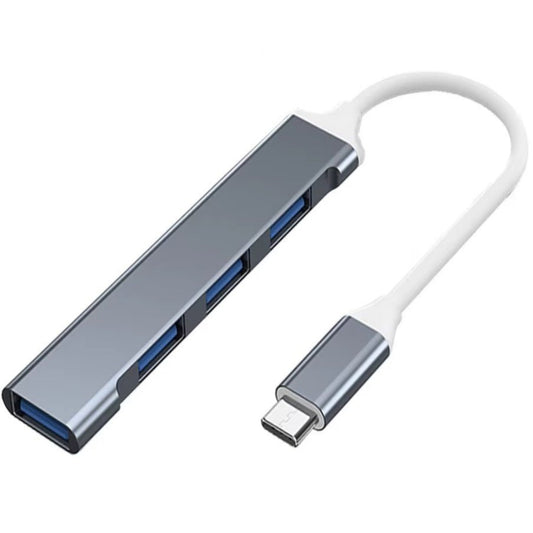
USB-C Hub 4 Port Multiport Adapter - 5Gbps Fast Data Transfer
Regular price $81.00 TWDRegular price

USB Hubs & Docking Station Specifications Guide
Selecting the correct hub requires understanding your device's port capabilities and power constraints. Here is a technical breakdown of our core expansion solutions:
| Product Category | Key Technical Specifications | Best Use Case |
|---|---|---|
| USB-C Multiport Hubs | 100W PD Pass-through, 4K@60Hz HDMI, SD/TF Card Reader | Expanding ultra-thin laptops (MacBook, XPS) for dual-monitor setups and charging. |
| USB 3.0 Data Hubs | 5Gbps bandwidth, Individual ON/OFF switches with LEDs | Managing multiple low-power peripherals (mice, keyboards, printers) on a desktop PC. |
| HDD Docking Stations | Supports 2.5"/3.5" SATA III drives, Offline Clone function | IT professionals recovering data from bare hard drives without an external enclosure. |
Important Note (Power Limitations & Hardware Hazards): An unpowered (passive) USB hub draws a maximum of 900mA from a standard USB 3.0 port. You cannot plug multiple mechanical hard drives (HDDs) into an unpowered hub. Doing so will cause severe voltage drops, resulting in random disconnects and potentially permanent "bad sectors" on your drives. For multiple HDDs, you must use an active USB hub with a dedicated AC power adapter. Furthermore, the HDMI port on a USB-C hub will only function if your laptop's USB-C port physically supports DisplayPort Alternate Mode (DP Alt Mode) or Thunderbolt.
Frequently Asked Questions (FAQ)
Q: I plugged my new USB-C Hub into my laptop, but the HDMI monitor says "No Signal". Why?
A: This is a common hardware limitation of the host device. Not all USB-C ports output video. If your laptop's USB-C port is wired only for data transfer and charging (common on budget laptops), the hub cannot magically generate a video signal. You must verify that your laptop's USB-C port supports "DP Alt Mode". Bring your laptop to our physical store, and we can test it on-site.
Q: What does the "Offline Clone" feature do on a Dual-Bay HDD Docking Station?
A: Offline cloning allows you to duplicate the entire contents of a source hard drive to a target hard drive bit-by-bit, including the operating system and hidden partitions, without connecting the dock to a computer. It is an essential tool for upgrading an old HDD to a new SSD seamlessly.