
-
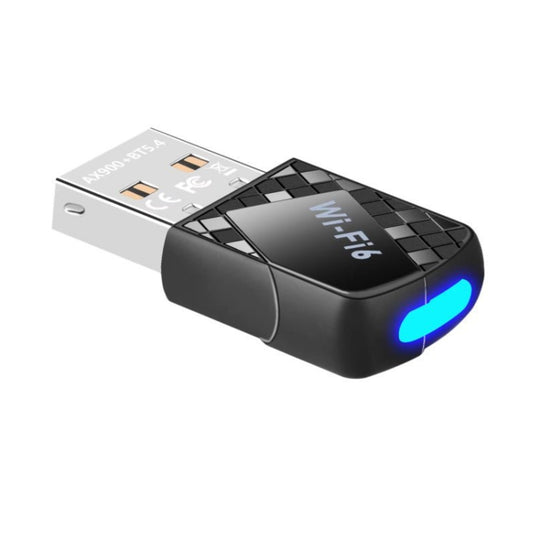
AX900 WiFi 6 & BT 5.4 USB Adapter - Dual Band, Plug & Play
Regular price $234.00 TWDRegular price -
2.54mm Pitch Pin Headers & Sockets (1x40, 2x40, Right Angle)
Regular price $22.00 TWDRegular price -
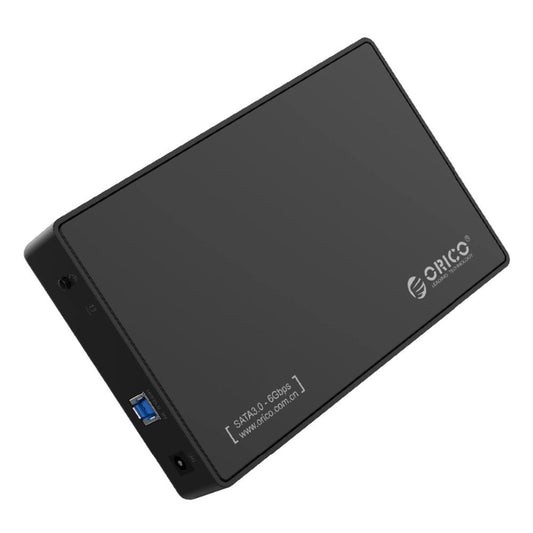
ORICO 3588US3 3.5" SATA HDD Enclosure - USB 3.0, Tool-Free
Regular price $509.00 TWDRegular price -
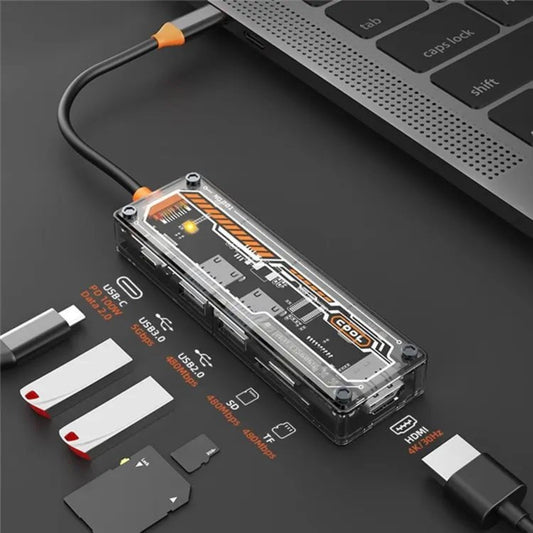
6-in-1 USB-C Hub: Docking Station with 100W PD & HDMI
Regular price $331.00 TWDRegular price -
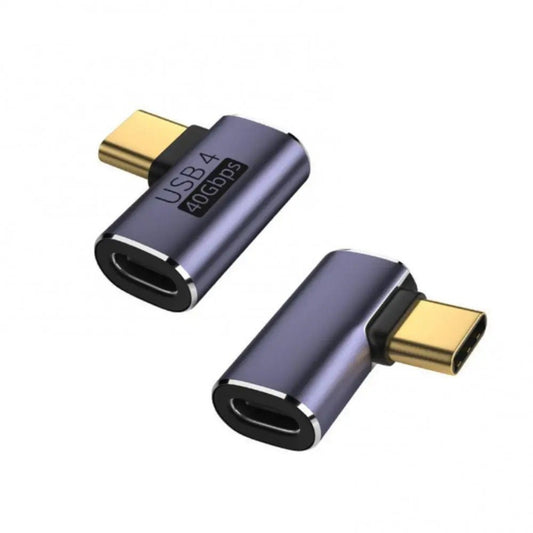
100W USB-C 40Gbps Adapter: 8K Video, Fast Data & Charging
Regular price $85.00 TWDRegular price -
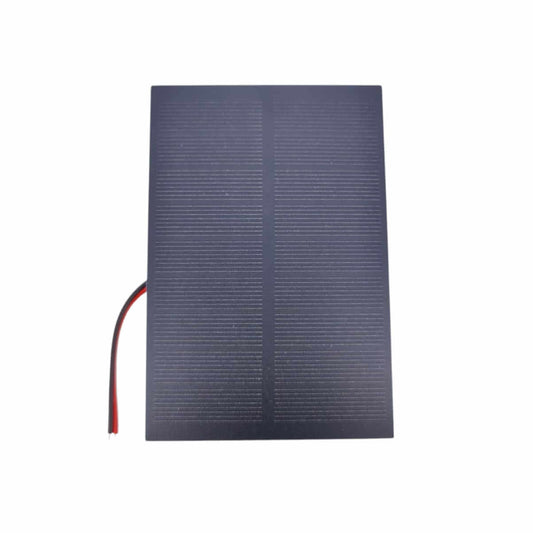
6V 2W Solar Panel (120x80mm) for DIY Charging Projects
Regular price $166.00 TWDRegular price -
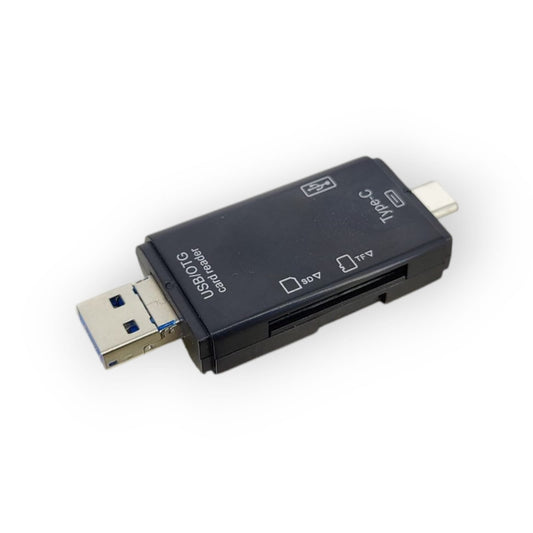
6-in-1 USB-C Micro USB SD/TF Card Reader & OTG Adapter
Regular price $106.00 TWDRegular price -
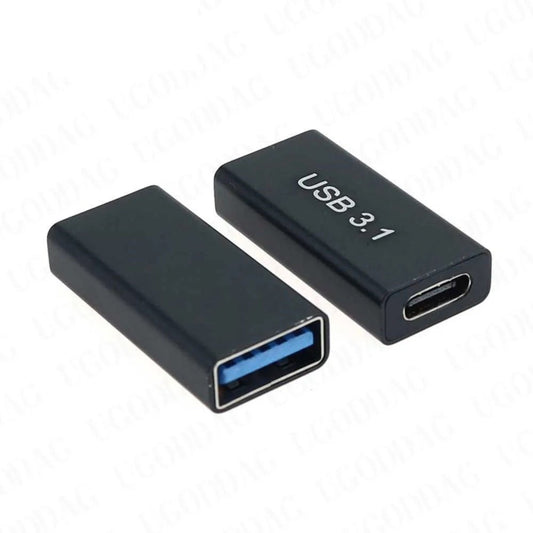
USB-C Female to USB 3.0 Female Adapter - SuperSpeed Extender
Regular price $77.00 TWDRegular price -
External CD DVD Drive USB 3.0 & Type-C | Plug & Play Slim Disc Burner
Regular price $416.00 TWDRegular price -
5V Industrial Switching Power Supply (3A - 30A) | AC to DC Transformer
Regular price From $128.00 TWDRegular price -
2 DOF Short Pan & Tilt Servo Bracket Kit | MG995 MG996R Compatible
Regular price $77.00 TWDRegular price -
2.5G USB/Type-C Ethernet Adapter | 2500Mbps High-Speed Network Card
Regular price $416.00 TWDRegular price -
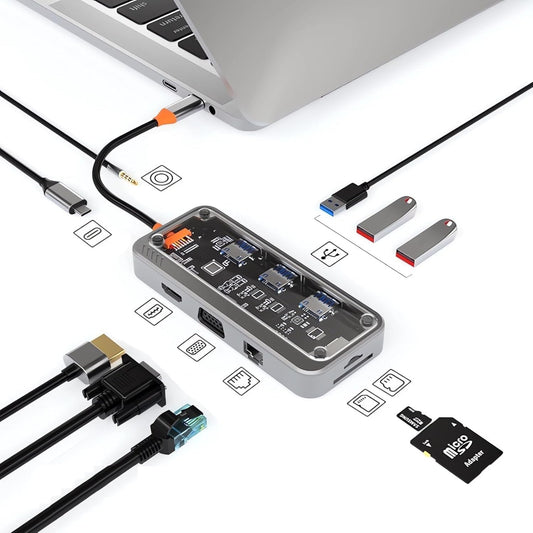
10-in-1 USB-C Hub: 100W PD, 4K HDMI, Gigabit Ethernet
Regular price $840.00 TWDRegular price -
Microdrive USB-C Card Reader for TF, Micro SD, & Mini SD
Regular price $64.00 TWDRegular price -
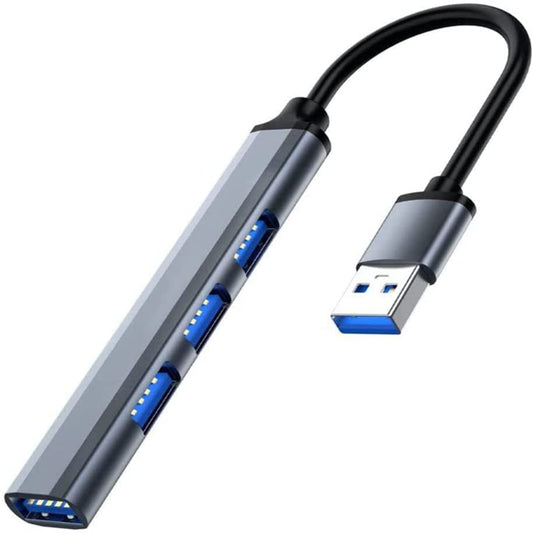
USB 3.0 Hub Aluminum Alloy 4-Port Adapter for Laptops & PCs
Regular price $81.00 TWDRegular price -
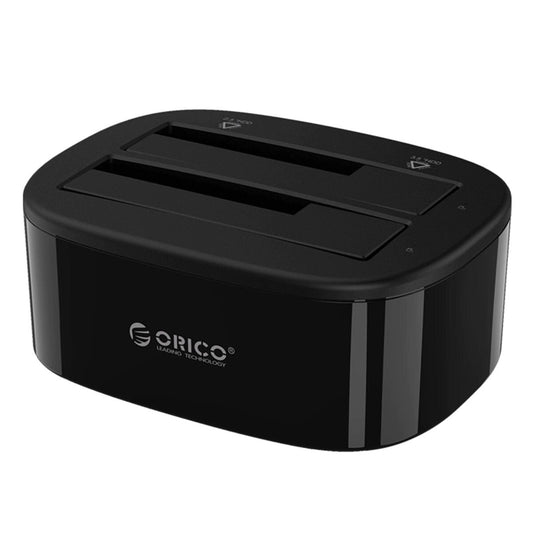
ORICO Dual Bay USB 3.0 Hard Drive Docking Station
Regular price $713.00 TWDRegular price




External PC Components & Expansion Specifications
Selecting the correct external hardware requires matching interface bandwidth and power delivery constraints. Here is a technical breakdown of our core external components:
| Component Category | Key Technical Specifications | Best Use Case |
|---|---|---|
| USB-C Multiport Hubs | 100W PD Pass-through, 4K HDMI, Gigabit Ethernet | Transforming ultra-thin laptops into full desktop workstations. |
| HDD & SSD Enclosures | Supports 2.5" / 3.5" SATA III, USB 3.0 (5Gbps) interface | Repurposing old internal hard drives into portable external storage. |
| Wi-Fi & Network Adapters | Wi-Fi 6 (802.11ax), Dual-Band 2.4G/5G, USB 3.0 | Upgrading older PCs or laptops with broken network cards to gigabit wireless speeds. |
| Card Readers & Peripherals | SD/TF Dual Slot, USB-A & USB-C OTG support | Fast photo and video transfers for photographers and content creators. |
Important Note (Power Limitations & Bandwidth Bottlenecks): When buying an HDD enclosure, you must know your drive size. A 2.5" laptop drive can run purely on USB 5V power. However, a 3.5" desktop hard drive requires a dedicated 12V power adapter. Plugging a 3.5" drive into a bus-powered USB enclosure will not spin up the disk. Furthermore, if you purchase a high-speed Wi-Fi 6 USB adapter, you must plug it into a blue USB 3.0 port. Plugging it into an older USB 2.0 port will bottleneck your internet speed to a maximum of 480Mbps, completely wasting the Wi-Fi 6 capability.
Frequently Asked Questions (FAQ)
Q: I plugged my new USB-C Hub into my laptop, but the HDMI monitor says "No Signal". Why?
A: Not all USB-C ports support video output. If your laptop's USB-C port is wired only for data transfer and charging (very common on budget laptops), the hub cannot generate a video signal. Your laptop's USB-C port must specifically support DisplayPort Alternate Mode (DP Alt Mode) or Thunderbolt. Please check your laptop's official manual before purchasing.
Q: Can I put an M.2 NVMe SSD into a standard SATA HDD enclosure?
A: No. M.2 NVMe SSDs use a PCIe interface, which is physically and electronically incompatible with SATA enclosures. You must purchase a dedicated "M.2 NVMe to USB-C Enclosure" to read those specific drives. We stock both SATA and NVMe enclosures in our physical store.