
-
FNIRSI FNAC-28 USB-C & USB-A Multi-Function Power Tester
Regular price $715.00 TWDRegular price -
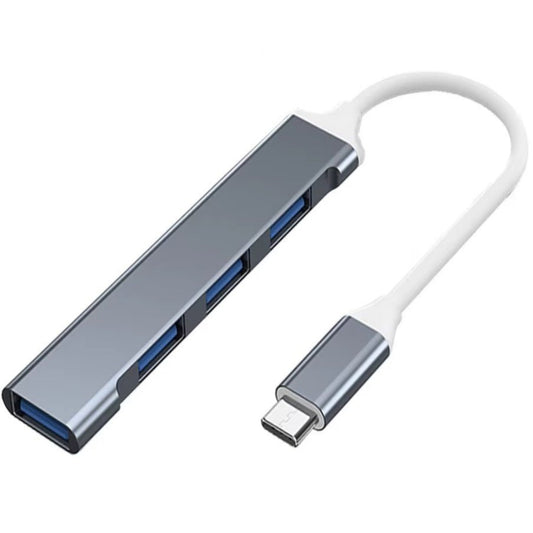
USB-C Hub 4 Port Multiport Adapter - 5Gbps Fast Data Transfer
Regular price $81.00 TWDRegular price -
DIY USB Type-A Solder Connector Kit (Male/Female) | Custom 4-Pin
Regular price $22.00 TWDRegular price -
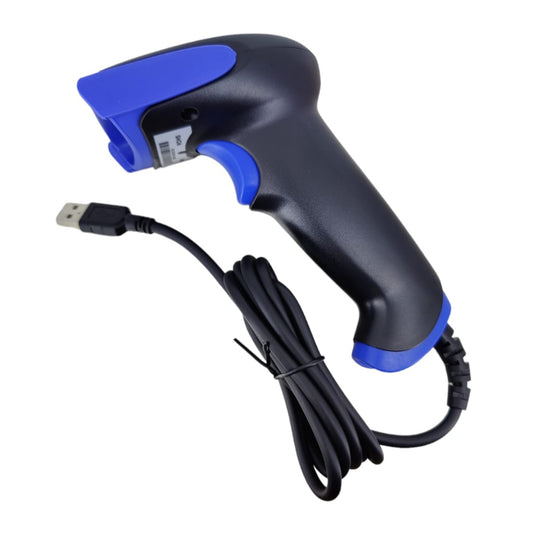
Plug & Play USB Handheld Barcode Scanner for POS & Inventory
Regular price $800.00 TWDRegular price -
2-in-1 USB-C to USB 3.2 OTG Adapter with 100W PD Fast Charging
Regular price $123.00 TWDRegular price -
4-Inch USB Plasma Ball Light - Touch Sensitive & Portable
Regular price $233.00 TWDRegular price -
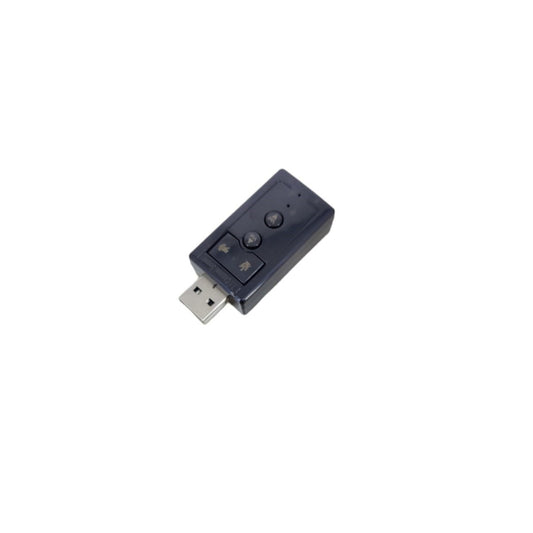
USB 2.0 Virtual 7.1 Channel External Sound Card Adapter for PC/Laptop
Regular price $119.00 TWDRegular price -
5V USB 0805 LED Strip Light - 1M Flexible Narrow Tape
Regular price $123.00 TWDRegular price -
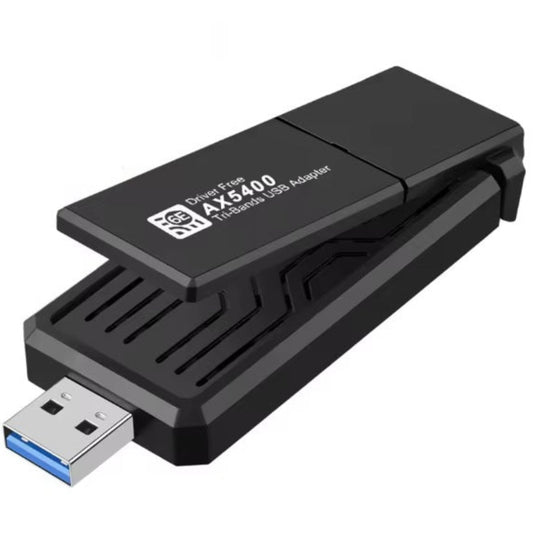
AX5400 WiFi 6E USB 3.0 Adapter: Tri-Band Wireless for Gaming & PC
Regular price $499.00 TWDRegular price -
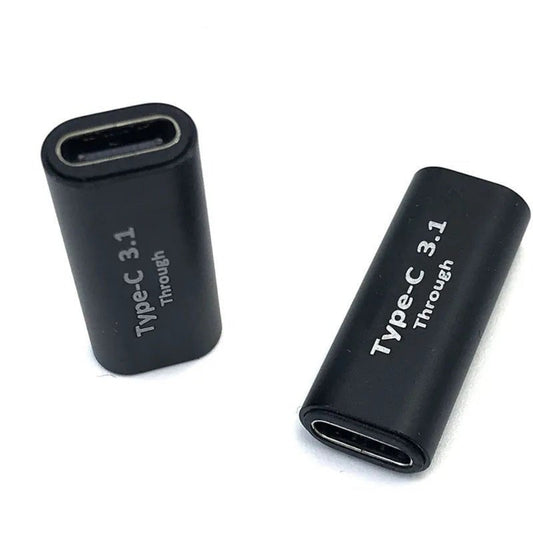
USB-C Female to Female Adapter | 100W Fast Charge & 10Gbps Data
Regular price $51.00 TWDRegular price -
USB Bluetooth 6.0 Adapter Dongle | Ultra-Low Latency Wireless Transmitter
Regular price $161.00 TWDRegular price -
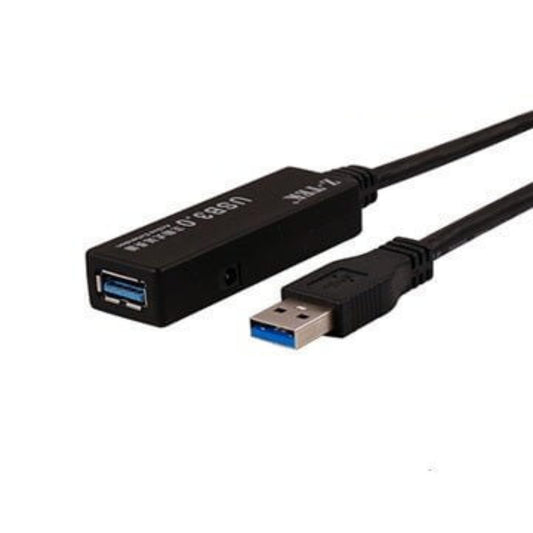
Z-TEK USB 3.0 Active Extension Cable | SuperSpeed
Regular price From $275.00 TWDRegular price -
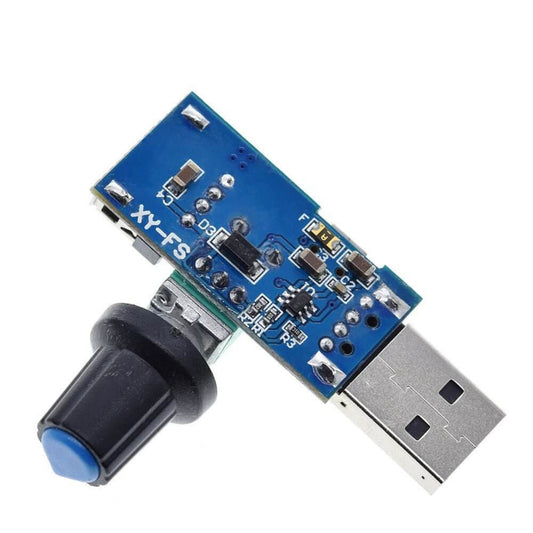
USB Fan Speed Controller | Stepless Governor Regulator
Regular price $85.00 TWDRegular price -
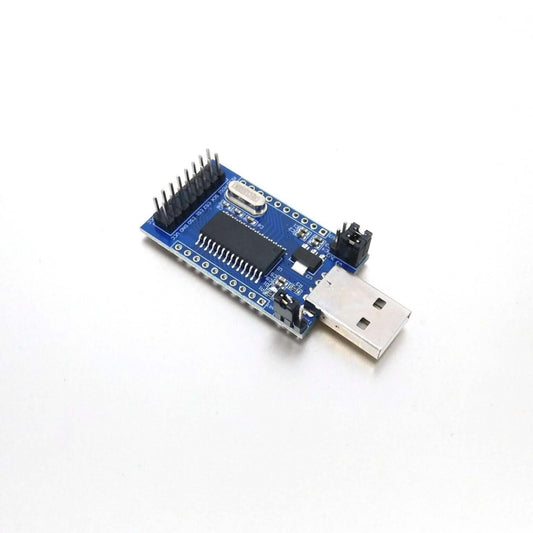
CH341A Multi-function USB Programmer: UART, I2C, SPI, TTL
Regular price $123.00 TWDRegular price -
60cm USB to Alligator Clip Test Lead | Male/Female to Crocodile Clips
Regular price $43.00 TWDRegular price -
USB to DC 4.0x1.7mm Charging Cable | 5V Power Cord for PSP & Tablets
Regular price $43.00 TWDRegular price








USB Connectivity & Diagnostic Specifications
Selecting the correct USB hardware goes beyond matching the port shape; it requires understanding power protocols and data bandwidth. Here is a technical breakdown of our core USB inventory:
| Product Category | Key Technical Specifications | Best Use Case |
|---|---|---|
| USB Testers & Analyzers | Real-time V/A/W display, PD/QC protocol detection | Diagnosing bad cables, verifying charger output, and checking battery health. |
| High-Wattage PD Cables | 100W / 240W (5A) capacity, Built-in E-Marker Chips | Safely fast-charging laptops, smartphones, and high-drain power banks. |
| USB Hubs & Splitters | USB 3.0 / 3.2 Gen 2 (10Gbps+), Active Power support | Expanding laptop ports for external SSDs, peripherals, and card readers. |
| Industrial USB Converters | USB to RS232/TTL, Genuine FTDI/CH340 chipsets | Connecting modern PCs to legacy CNC machines, PLCs, or microcontrollers. |
Important Note (Data Speed Limitations & Power Hazards): A USB-C cable marketed for "240W Fast Charging" does not guarantee fast data transfer. Most high-wattage charging cables only support USB 2.0 data speeds (480Mbps) because they prioritize thicker power wires over data lines. If you need to transfer 4K video to an external SSD, you must specifically purchase a USB 3.2 (10Gbps) or USB4 (40Gbps) data cable. Furthermore, unpowered USB hubs cannot drive multiple high-power devices (like external mechanical hard drives); doing so will cause the voltage to drop, resulting in random disconnects and potential data corruption.
Frequently Asked Questions (FAQ)
Q: Why is my phone charging slowly even though I bought a 100W charger?
A: Fast charging requires a complete "handshake" between the charger, the cable, and the device. If you use a cheap USB-C cable without an internal E-Marker chip, the charger's safety mechanism will restrict the output to a maximum of 60W (3A) or lower. A USB Tester can instantly reveal if your cable is the bottleneck preventing maximum charging speeds.
Q: Can I plug a USB-C to HDMI adapter into any USB-C port on my laptop to add a monitor?
A: No. Your laptop's USB-C port must specifically support DisplayPort Alternate Mode (DP Alt Mode) or Thunderbolt. If your USB-C port is wired only for data transfer and charging (which is common on budget laptops), no video adapter will work. Always check your laptop's official specifications before purchasing display adapters.