
-
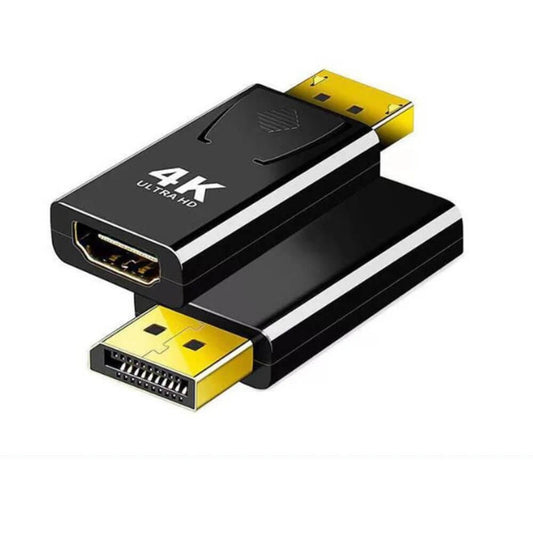
4K DP to HDMI Adapter - DisplayPort to HDMI Converter
Regular price $206.00 TWDRegular price -
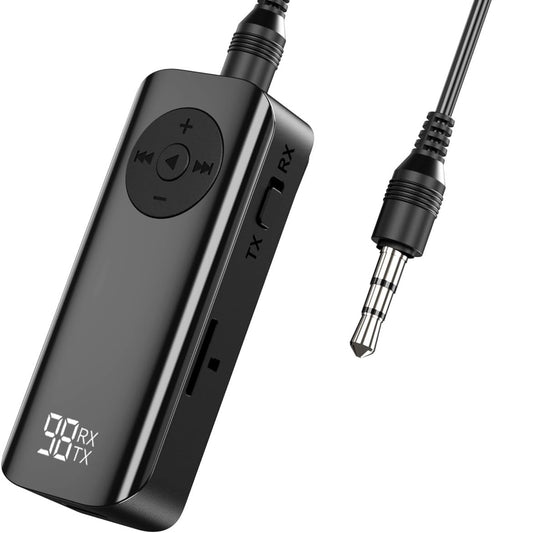
Bluetooth 5.3 Audio Transmitter Receiver with TF Card & Hands-Free
Regular price $189.00 TWDRegular price -
USB C to 3.5mm Headphone Adapter - DAC Lossless Audio & Call
Regular price $118.00 TWDRegular price -
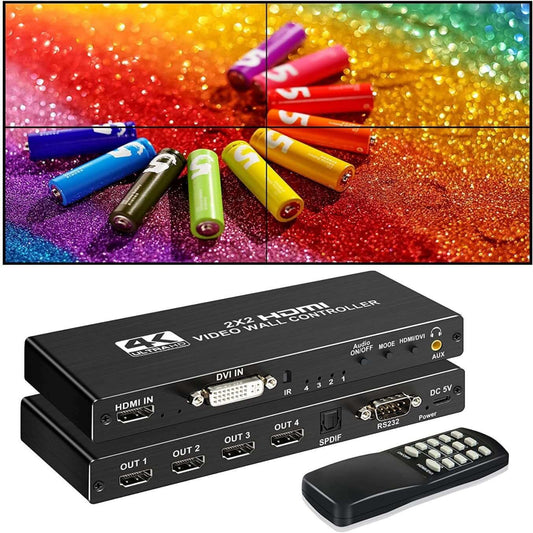
4K HDMI Video Wall Controller (2x2) | 8-Mode Multi-Screen Processor
Regular price $2,010.00 TWDRegular price -
HP BTS01 Portable Bluetooth 5.4 Speaker | 3W Wireless Audio
Regular price $231.00 TWDRegular price -
Ultra-Compact V5.0 Bluetooth Mini Speaker | 3W Portable Audio
Regular price $164.00 TWDRegular price -
DTECH 8K Fiber Optic HDMI 2.1 Cable | 48Gbps 120Hz (10m/15m/20m)
Regular price From $1,173.00 TWDRegular price -
2-in-1 Foldable Phone Stand with Bluetooth Speaker & RGB Light
Regular price $327.00 TWDRegular price -
HP DHS-2111 Compact Wired PC Speakers | 6W USB Powered Audio
Regular price $206.00 TWDRegular price -
biaiCOM DSE-555 Portable AM/FM Pocket Radio | Anti-Interference
Regular price $482.00 TWDRegular price -
USB-C Multimedia Volume Controller Knob with RGB & One-Touch Mute
Regular price $189.00 TWDRegular price -
AV to HDMI Converter with Auto Scaler | 1080P & 3.5mm Audio Extractor
Regular price $1,252.00 TWDRegular price -
PAM8406 2x5W Class D Mini Audio Amplifier Board | Dual Channel Stereo
Regular price $63.00 TWDRegular price -
52mm Round Full-Range Speaker | 4 Ohm 5W | DIY Audio & STEM Electronics
Regular price $93.00 TWDRegular price -
MT-VIKI 2-Port Bi-Directional DisplayPort Switch | 4K 60Hz Splitter
Regular price $415.00 TWDRegular price -
PAM8302A 2.5W Mono Class D Audio Amplifier Module
Regular price $122.00 TWDRegular price



AV Connectivity & Conversion Specifications Guide
Routing high-resolution video and lossless audio requires matching the correct digital protocols and interfaces. Here is a technical breakdown of our core AV accessories:
| Product Category | Key Technical Specifications | Best Use Case |
|---|---|---|
| HDMI Audio Extractors | 4K@60Hz, HDMI to SPDIF (Optical) / RCA, ARC Support | Extracting audio from a PS5 or Apple TV to an older amplifier or soundbar. |
| Bluetooth Audio Adapters | Bluetooth 5.3, 2-in-1 TX/RX, aptX Low Latency | Adding wireless headphone support to non-Bluetooth TVs or vintage Hi-Fi systems. |
| Analog to Digital Converters | AV (RCA) to HDMI, VGA to HDMI with Audio | Connecting retro game consoles (e.g., PS2, Wii) or old PCs to modern smart TVs. |
| Professional Audio Cabling | Toslink Optical cables, Gold-plated Banana Plugs | Interference-free digital audio transmission and secure speaker wire termination. |
Important Note (Hardware Limitations & Upscaling Reality): When using an AV (RCA) to HDMI converter, please understand that it cannot magically upgrade a blurry 480i analog signal into crisp 4K quality. It simply stretches the standard definition image to fit your modern screen. Furthermore, if you want to extract audio from your Smart TV's built-in apps (like Netflix or YouTube) to an external soundbar, your TV's HDMI port and the Audio Extractor must both support ARC (Audio Return Channel). A standard extractor without ARC will only extract audio from external devices plugged into it, not from the TV itself.
Frequently Asked Questions (FAQ)
Q: I connected my soundbar using an HDMI Audio Extractor, but there is no sound. Why?
A: The most common reason is an incompatible audio format. Most basic audio extractors and older soundbars can only decode 2-channel PCM audio. If your TV or PS5 is set to output Dolby Digital, DTS, or Bitstream, the extractor cannot process it, resulting in silence. Go into your TV or console's audio settings and change the output format to "PCM" or "Stereo."
Q: Why is there a lip-sync delay when watching movies with my Bluetooth transmitter?
A: Audio delay occurs when the transmitter and your headphones use the basic SBC Bluetooth codec, which has a latency of 150-250 milliseconds. While fine for music, this causes noticeable audio-visual desync in movies. To eliminate this, both your transmitter and headphones must support low-latency codecs like aptX Low Latency (aptX-LL).