
-
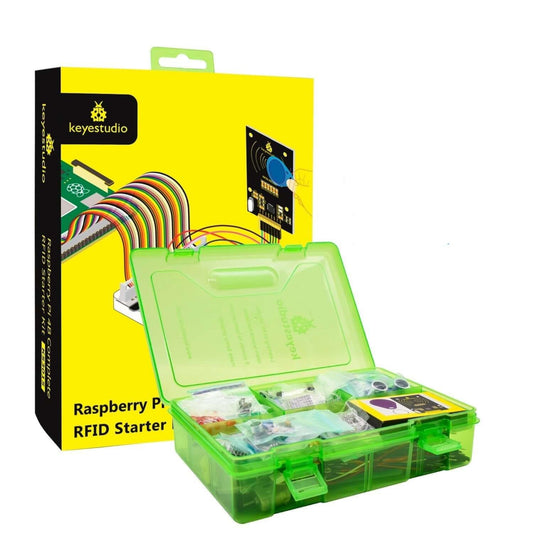
Keyestudio Raspberry Pi 4B RFID Starter Kit | Python & C Programming
Regular price $1,908.00 TWDRegular price -
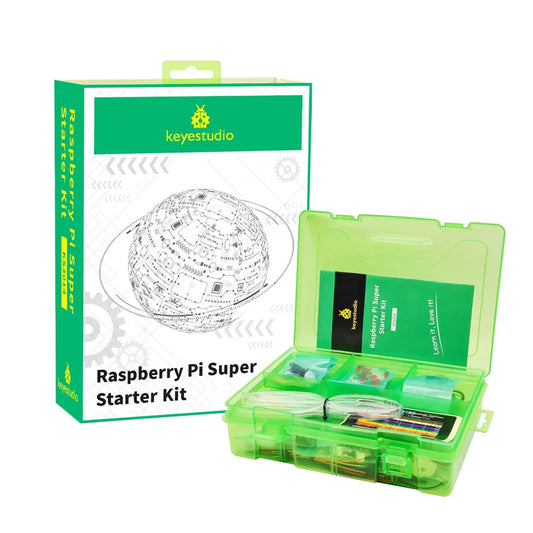
Keyestudio Raspberry Pi Super Starter Kit (KS3014) | Python, C & Java
Regular price $1,395.00 TWDRegular price -
Raspberry Pi Zero W USB & Ethernet Hub HAT - 3 USB Ports, RJ45
Regular price $361.00 TWDRegular price -
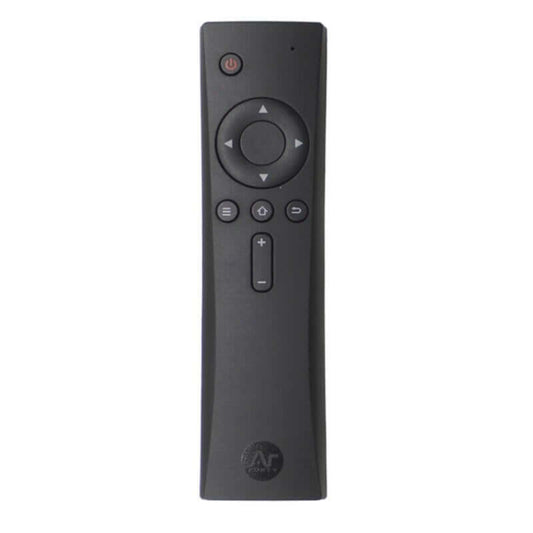
Argon ONE IR Remote Control for Raspberry Pi V2/V3 & M.2 Cases
Regular price $420.00 TWDRegular price -
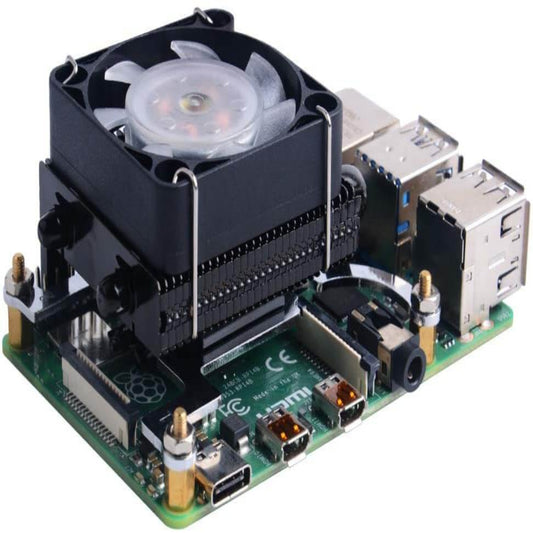
ICE Tower Cooler for Raspberry Pi 4B & 3B+/3B with RGB LED Fan
Regular price $674.00 TWDRegular price -
Raspberry Pi 4B Micro HDMI to HDMI Adapter | Male to Male
Regular price $77.00 TWDRegular price -
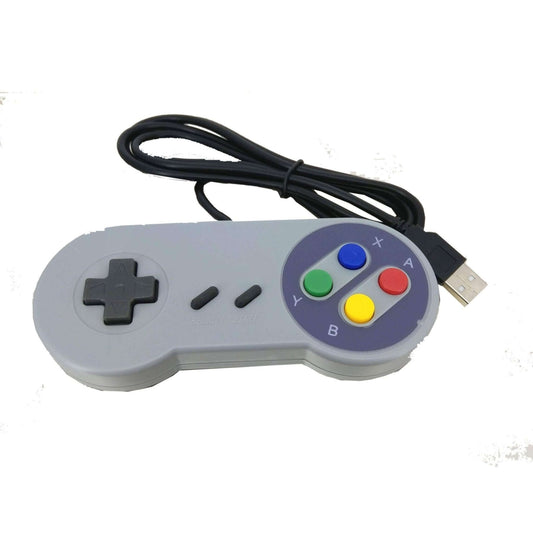
USB Retro Gaming Controller for Raspberry Pi & PC - Plug & Play
Regular price $106.00 TWDRegular price


Raspberry Pi Ecosystem: Pi 5, Pi 4 & Pi Zero Series
Selecting the correct Raspberry Pi model is crucial for balancing processing power, physical size, and power consumption. Here is a technical breakdown of our core lineup:
| Board Model | Key Technical Features | Best Use Case |
|---|---|---|
| Raspberry Pi 5 | PCIe 2.0 interface, Dual 4K display, requires 27W PD | Desktop PC replacement, AI vision (Hailo-8L), and high-speed NAS setups. |
| Raspberry Pi 4 Model B | Quad-core 1.5GHz, Gigabit Ethernet, Full-size USB 3.0 | The gold standard for Home Assistant servers, RetroPie consoles, and stable IoT gateways. |
| Raspberry Pi Zero 2 W | Quad-core 1GHz (Pi 3 equivalent), Built-in Wi-Fi/BT | Smart home hubs and portable IoT devices where space is strictly limited. |
| Raspberry Pi Zero (W / V1.3) | Single-core 1GHz, Ultra-low power consumption | Simple headless nodes (e.g., Pi-hole network ad blockers) or battery-powered remote sensors. |
Important Note (Hardware Limitations & Adapters): When purchasing any Raspberry Pi Zero model, be highly aware of its port limitations. To save space, the Zero series uses a Mini HDMI port (not Micro HDMI like the Pi 4) and Micro USB ports for data. You cannot plug a standard USB keyboard or mouse directly into a Pi Zero. You must use a Micro USB to USB-A OTG (On-The-Go) adapter. Furthermore, if you are using a Pi 5, you must use the Official 27W USB-C PD Power Supply; standard 5V/3A chargers will restrict USB output to 600mA, causing external SSDs to disconnect.
Frequently Asked Questions (FAQ)
Q: Should I buy a Raspberry Pi 4 or a Raspberry Pi Zero 2 W for my project?
A: It depends on your space and connectivity needs. The Pi 4 is a full-sized board with full-sized USB ports, dedicated Gigabit Ethernet, and up to 8GB of RAM, making it perfect for heavy multitasking or media centers. The Zero 2 W packs similar processing power (comparable to a Pi 3) into a board one-third the size, but it only has 512MB of RAM and requires OTG adapters for USB devices. Choose the Zero 2 W only if physical space is your primary constraint.
Q: Is the original Raspberry Pi Zero still worth buying?
A: Yes, for specific use cases. Because it uses a single-core processor, the original Pi Zero consumes significantly less power than the Zero 2 W or Pi 4. If you are building a battery-operated sensor node that only needs to read data and send it over Wi-Fi once an hour, or a lightweight Pi-hole DNS server, the original Zero is the most cost-effective and power-efficient choice.