
-
125-Piece Rubber Grommet Assortment Kit | 18 Sizes Wire Protection
Regular price HK$29.00Regular price -
JST PH2.0 3-Pin Connector Wire Cable (10cm) - 3-Pack
Regular price HK$10.00Regular price -
24-Hour Auto Reboot DC Power Cable (5.5x2.1mm) for Routers & CCTV
Regular price HK$12.00Regular price -
1.5m IEC C13 to C14 Power Extension Cable (18AWG) | Red/Blue
Regular price HK$15.00Regular price -
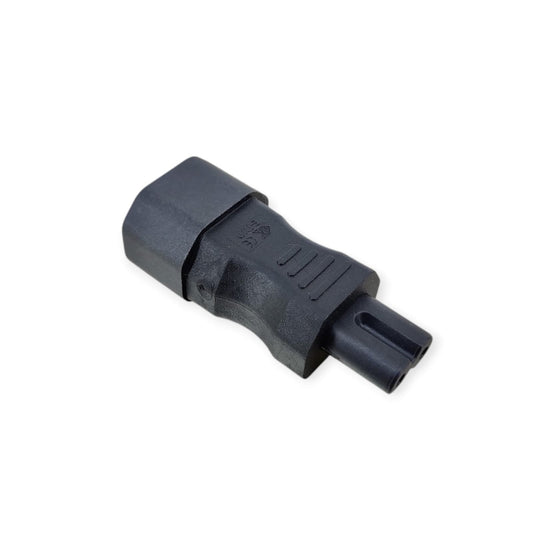
C14 to C7 Figure-8 Power Adapter Plug
Regular price HK$20.00Regular price -
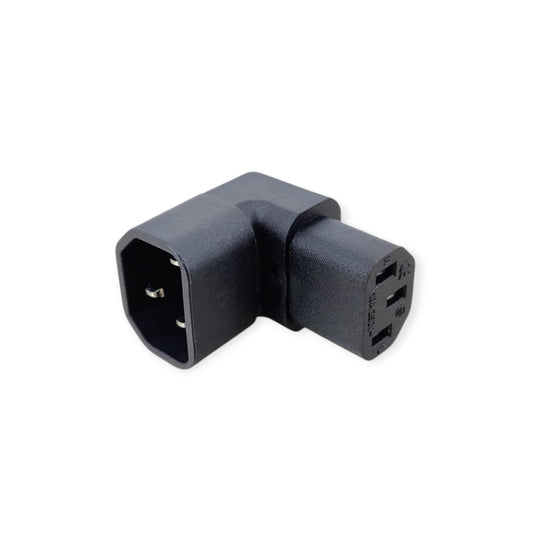
C14 Male to C13 Female 90 Degree Right Angle Power Adapter
Regular price HK$18.00Regular price -
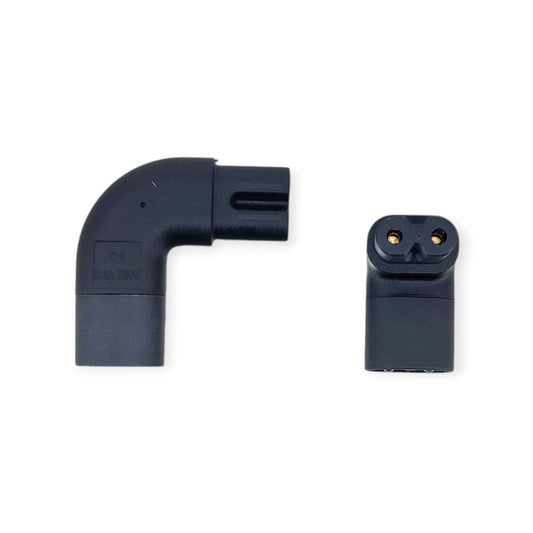
90-Degree C7 to C8 "Figure 8" Power Adapter (Space-Saving)
Regular price HK$18.00Regular price -
PC 3-Pin Fan Extension Cable - 25cm (Male to Female)
Regular price HK$5.00Regular price -
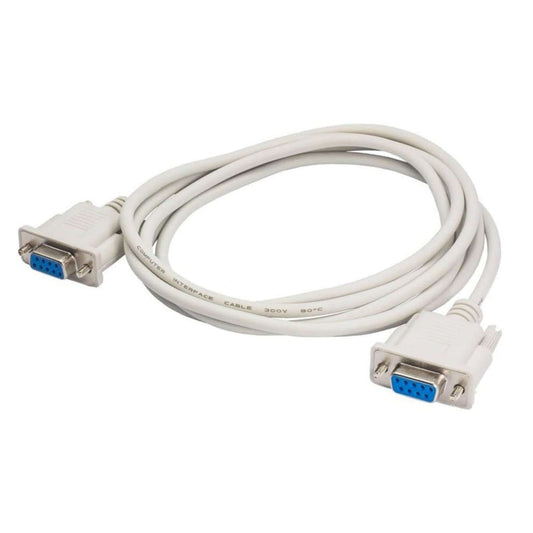
DB9 RS232 Serial Straight-Through Cable - 1.5 Meter (M/M, M/F, F/F)
Regular price HK$15.00Regular price -
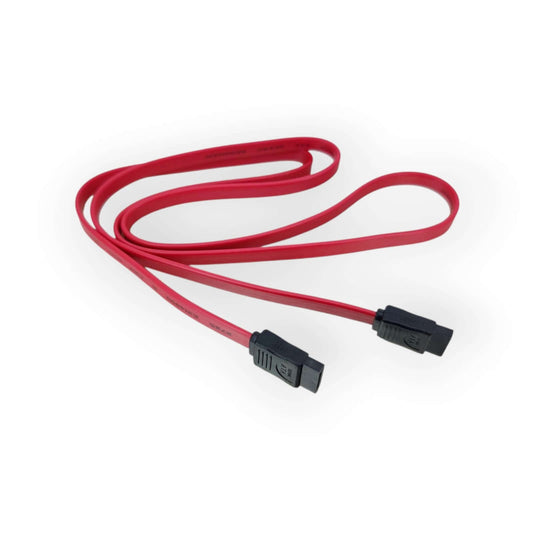
1M Red SATA Data Cable for HDD/SSD - High-Speed & Durable
Regular price HK$10.00Regular price -
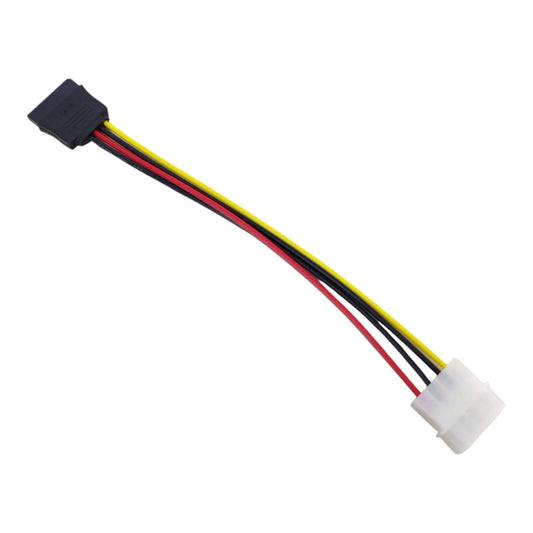
20cm SATA Power Cable Adapter - 4-Pin Molex to 15-Pin SATA for HDD/SSD
Regular price HK$5.00Regular price -
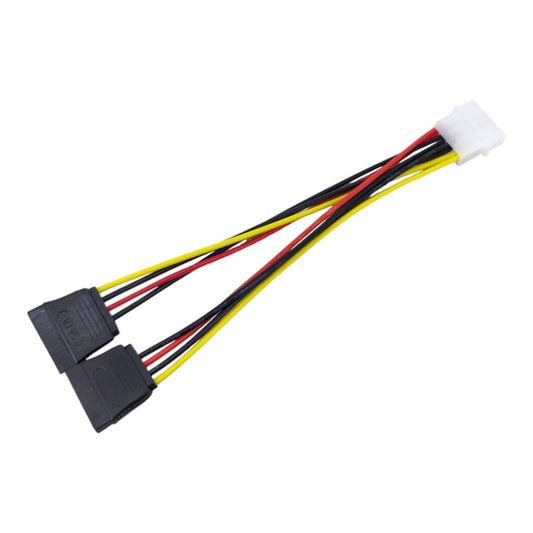
Molex 4-Pin to Dual SATA Power Splitter Cable Adapter for HDD/SSD
Regular price HK$15.00Regular price -
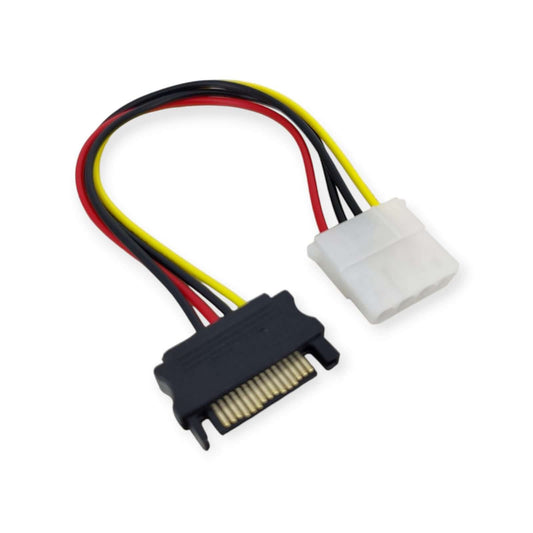
SATA to Molex Power Adapter Cable - 4Pin to 15Pin Converter
Regular price HK$10.00Regular price -
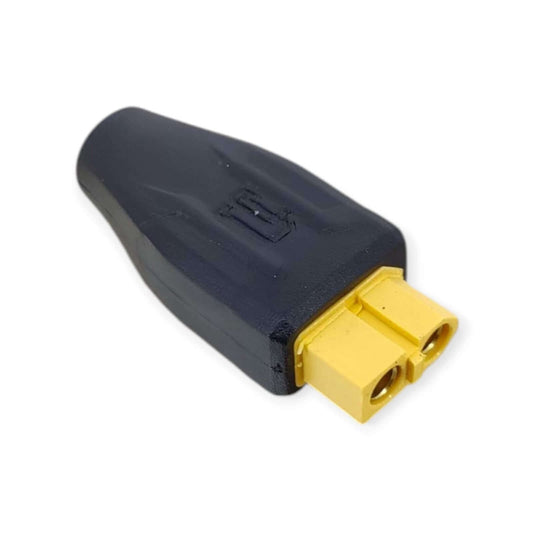
XT60 Female to 5.5x2.1mm Female DC Adapter - Bi-directional Converter
Regular price HK$15.00Regular price -
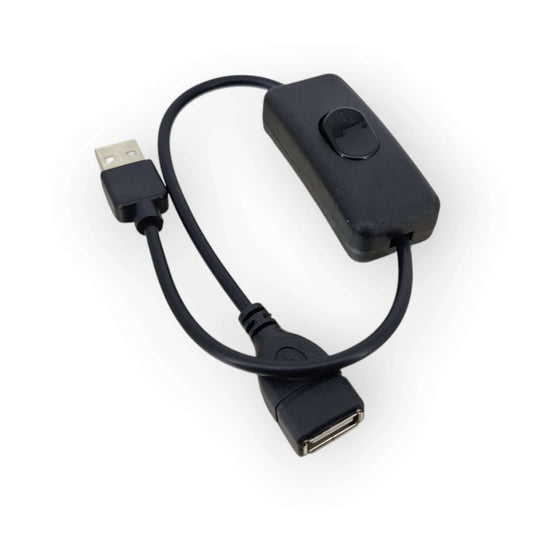
USB 2.0 Extension Cable with On/Off Switch (Approx. 36CM)
Regular price HK$10.00Regular price -
Z-TEK ZY092 RS232 to RS485 Serial Port Converter - Industrial Grade
Regular price HK$69.00Regular price




PC Connectivity & Industrial Cable Specifications
Selecting the correct cable involves matching connector types, voltage ratings, and data transfer protocols. Here is a technical breakdown of our core computer cable inventory:
| Cable Category | Key Technical Specifications | Best Use Case |
|---|---|---|
| IEC Power Cords | C13 (Kettle), C5 (Mickey Mouse), C7 (Figure-8) | Powering desktop PC power supplies (PSUs), laptop chargers, and monitors. |
| Internal PC Cables | SATA III (6Gbps), 4-Pin Molex to SATA, 3-Pin Fan Extensions | Expanding motherboard storage (SSD/HDD) and optimizing PC case cooling. |
| Industrial Serial Adapters | USB to RS232 (DB9), FTDI / CH340 Chipsets | Connecting modern laptops to legacy CNC machines, PLCs, and network switches. |
| Display & Video Adapters | DVI-D to HDMI, Micro HDMI, DisplayPort Converters | Setting up dual-monitor workstations and connecting to legacy projectors. |
Important Note (Hardware Limitation & Fire Hazard): When expanding internal PC storage, be extremely cautious with "Molex to SATA" power adapters. Cheaply manufactured "molded" adapters are notorious for causing electrical shorts and fires because the injection molding process can shift the internal wires too close together. We strongly recommend using "crimped" SATA adapters or relying on the native SATA power cables from your ATX power supply to prevent catastrophic hardware damage.
Frequently Asked Questions (FAQ)
Q: Are all IEC C13 computer power cords the same?
A: No. The safety and capacity of a power cord depend entirely on its internal wire gauge (measured in AWG or mm²). A standard 18AWG cord is sufficient for a regular office PC or monitor. However, if you are powering a high-end gaming rig with a 1000W+ PSU or an enterprise server, you must use a thicker 14AWG or 1.0mm² heavy-duty cord to prevent the cable from overheating and melting.
Q: I bought a USB to RS232 cable online, but Windows 11 says "Driver Error". Why?
A: This occurs because many cheap serial cables use counterfeit Prolific (PL2303) chips, which modern Windows updates actively detect and block. For professional and industrial environments, you must use an adapter with a genuine FTDI chipset or a verified CH340 chip. We stock Z-TEK industrial-grade serial adapters that guarantee plug-and-play compatibility across Windows, Mac, and Linux systems.