
1
/
of
4
ATX PC Computer Case Power & Reset Switch Cable with LED Kit (68cm)
ATX PC Computer Case Power & Reset Switch Cable with LED Kit (68cm)
🔥 3 sold•✓ In stock
Regular price
HK$20.00
Regular price
Sale price
HK$20.00
Shipping calculated at checkout.
Quantity
Couldn't load pickup availability
Delivery Options
Delivery Options
- Local delivery within Hong Kong and in-store pickup.
- Free shipping for orders of HK$400 or above; HK$35 shipping fee for orders below HK$400.
- Shipped by SF Express, usually dispatched the same day for orders confirmed before 6:00 PM (Mon–Sat).
- Estimated delivery time: 1–3 business days after dispatch (Hong Kong).
- In-store pickup details (location and time) will be confirmed by email or phone message.
- Delivery times are estimates and may be affected by weather or unforeseen circumstances.
Revitalize your computer case with our brand-new, high-quality ATX PC Computer Case Power & Reset Switch Cable with LED Kit. Perfect for replacing worn-out or non-functional front panel connectors and indicator lights, this kit ensures your PC's essential controls and status indicators are fully operational.
Key Features:
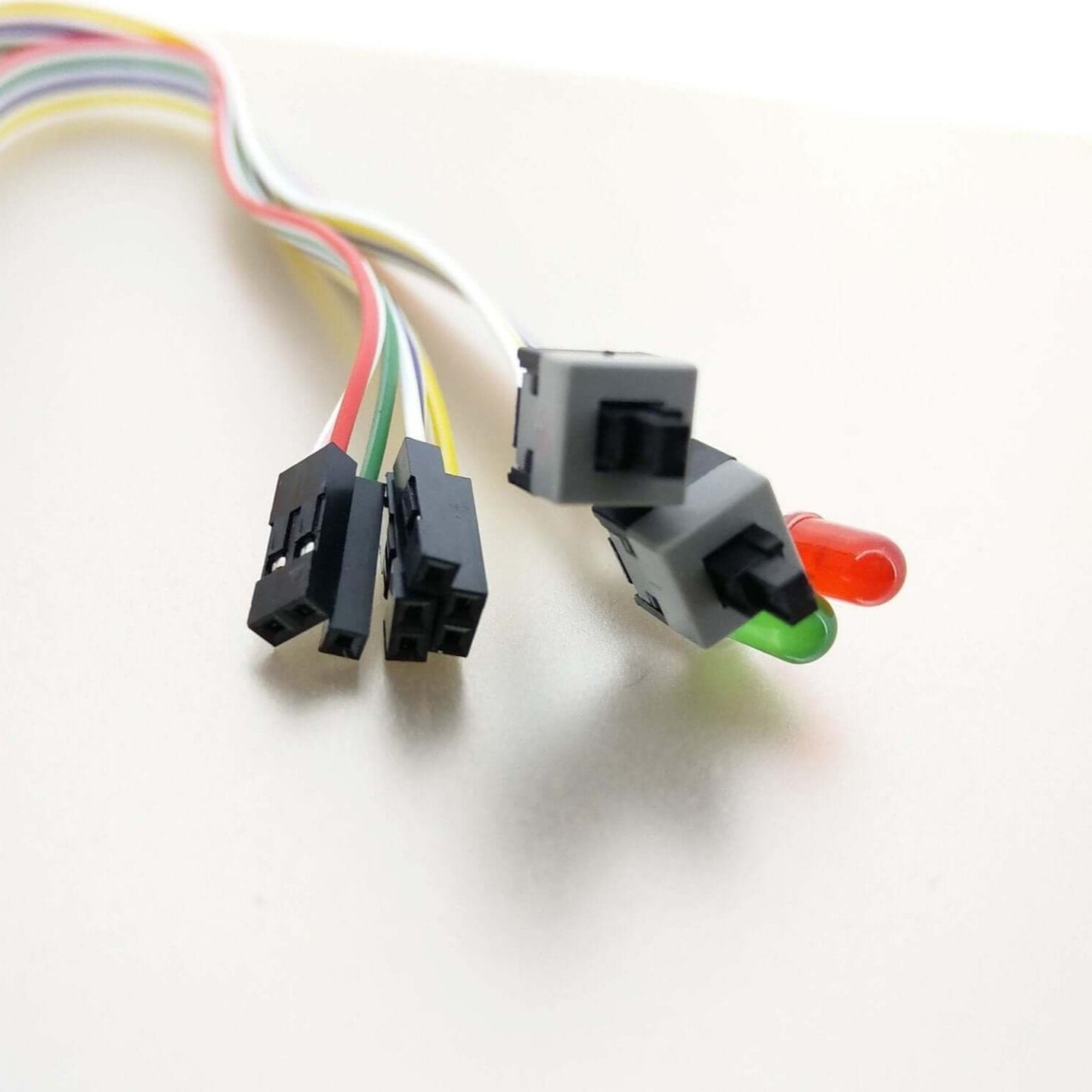
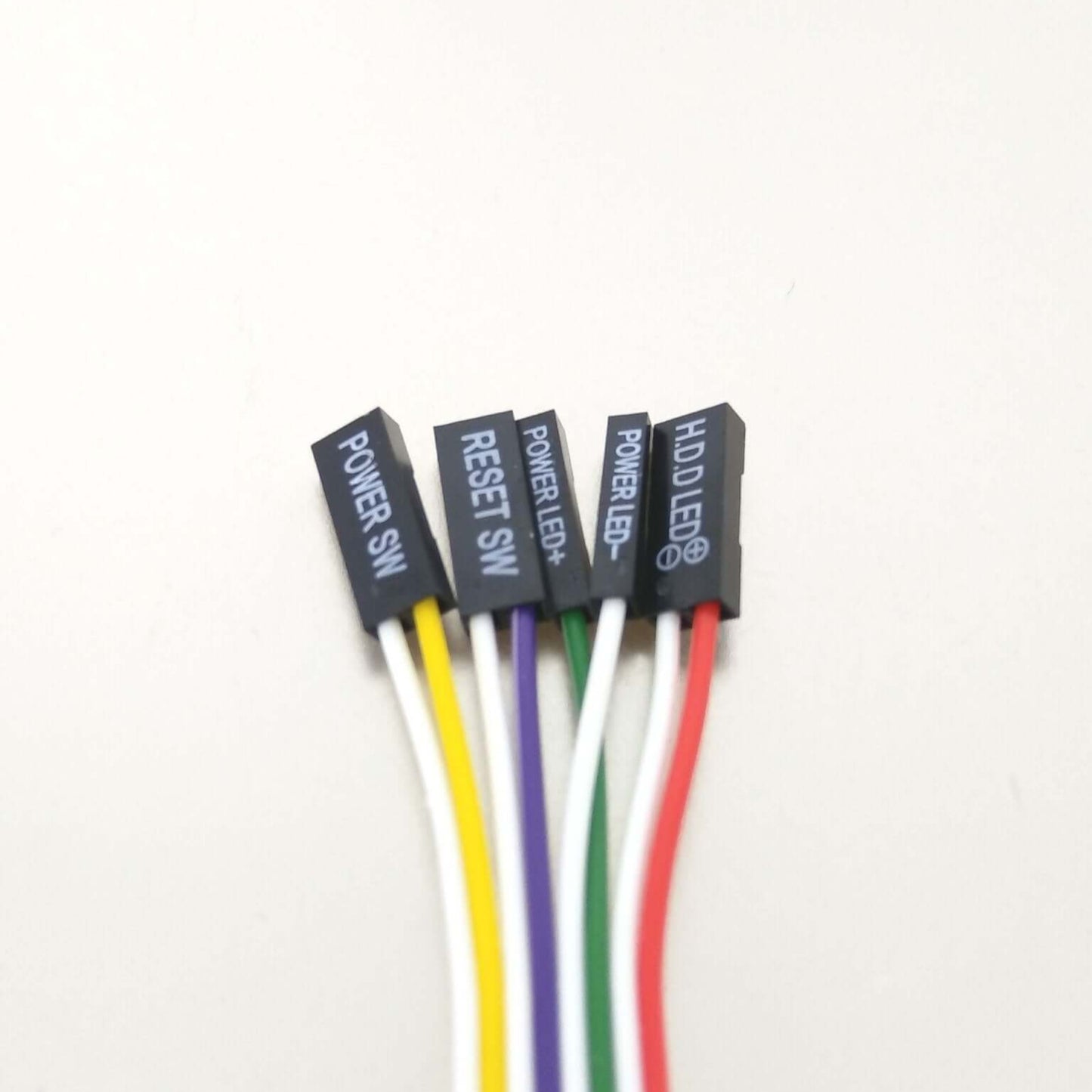
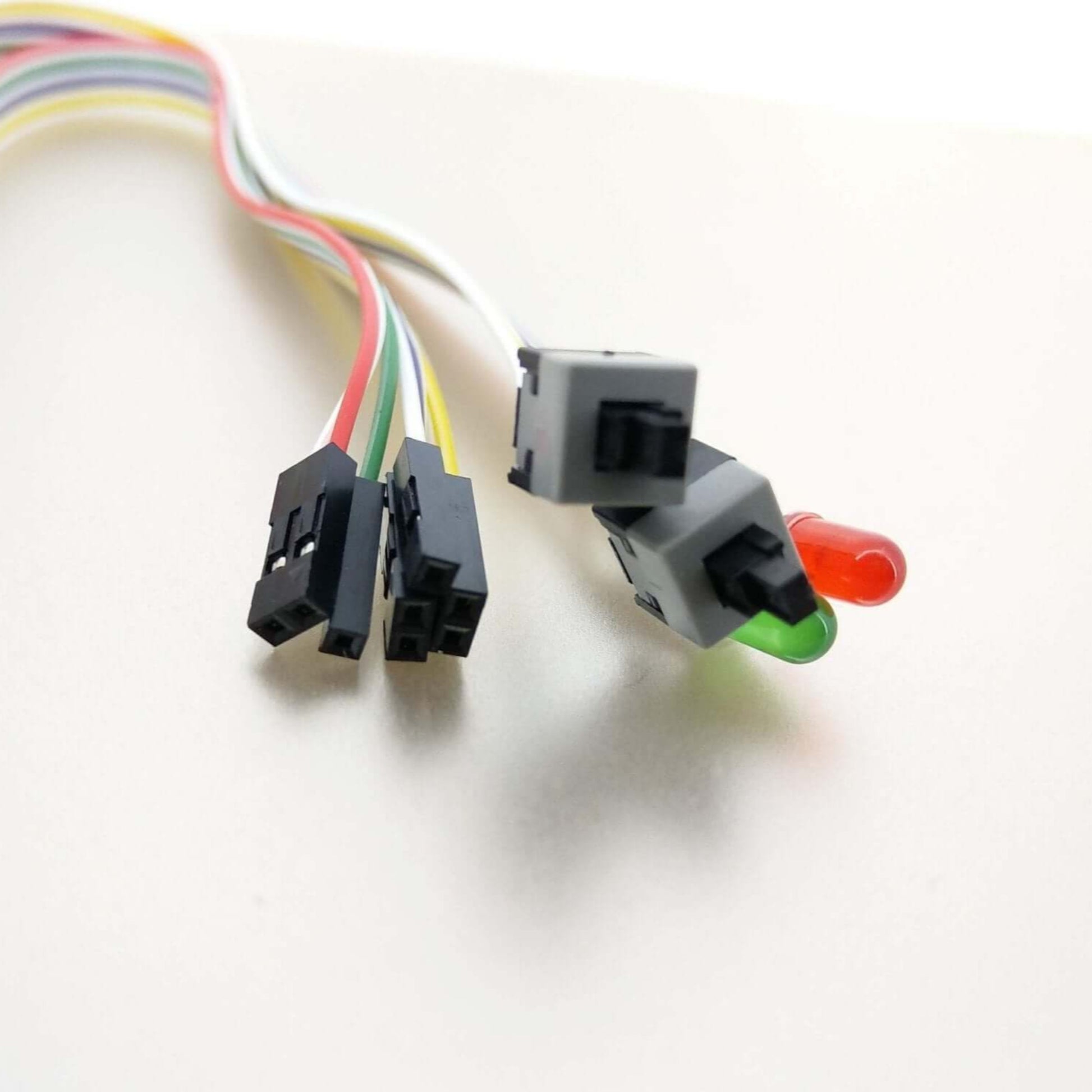
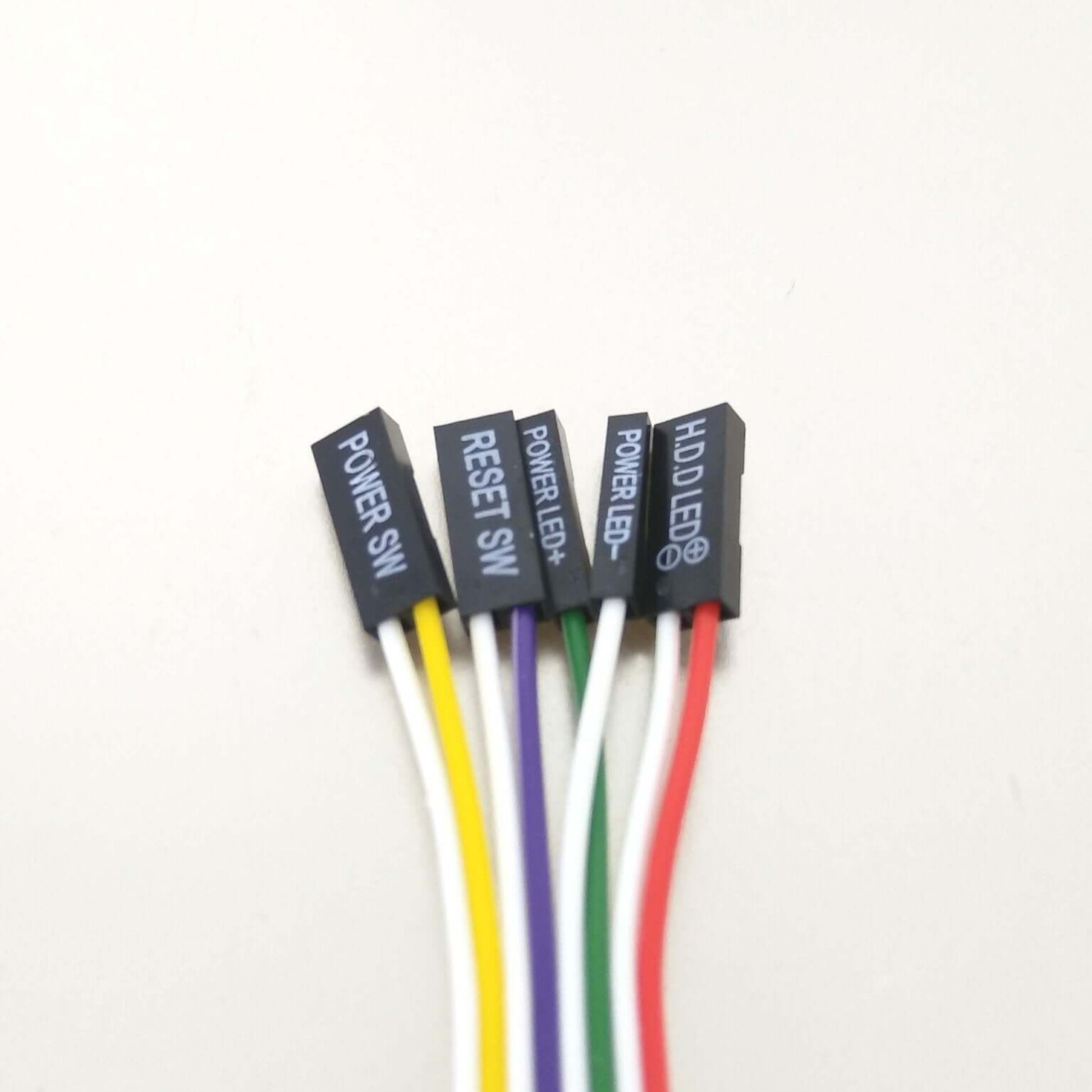
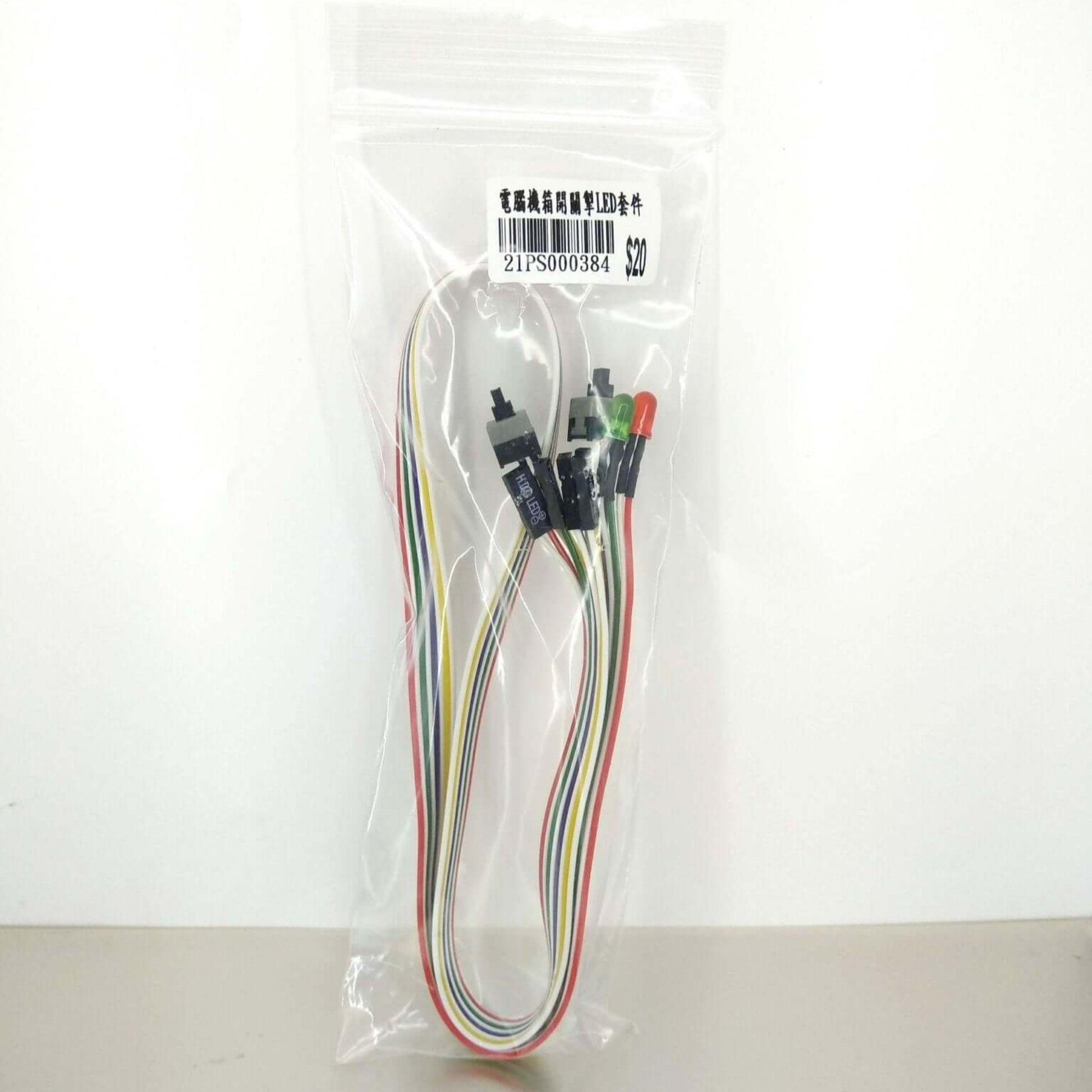
- Complete Front Panel Solution: Includes cables for Power Switch (Power SW), Reset Switch (Reset SW), Power LED (Power LED+, Power LED-), and Hard Drive Activity LED (HDD LED).
- Universal ATX Compatibility: Designed specifically for ATX architecture desktop computers, making it a versatile replacement or upgrade component.
- Easy Installation: Features clearly labeled connectors for straightforward installation onto your motherboard's front panel header and connection to your PC case.
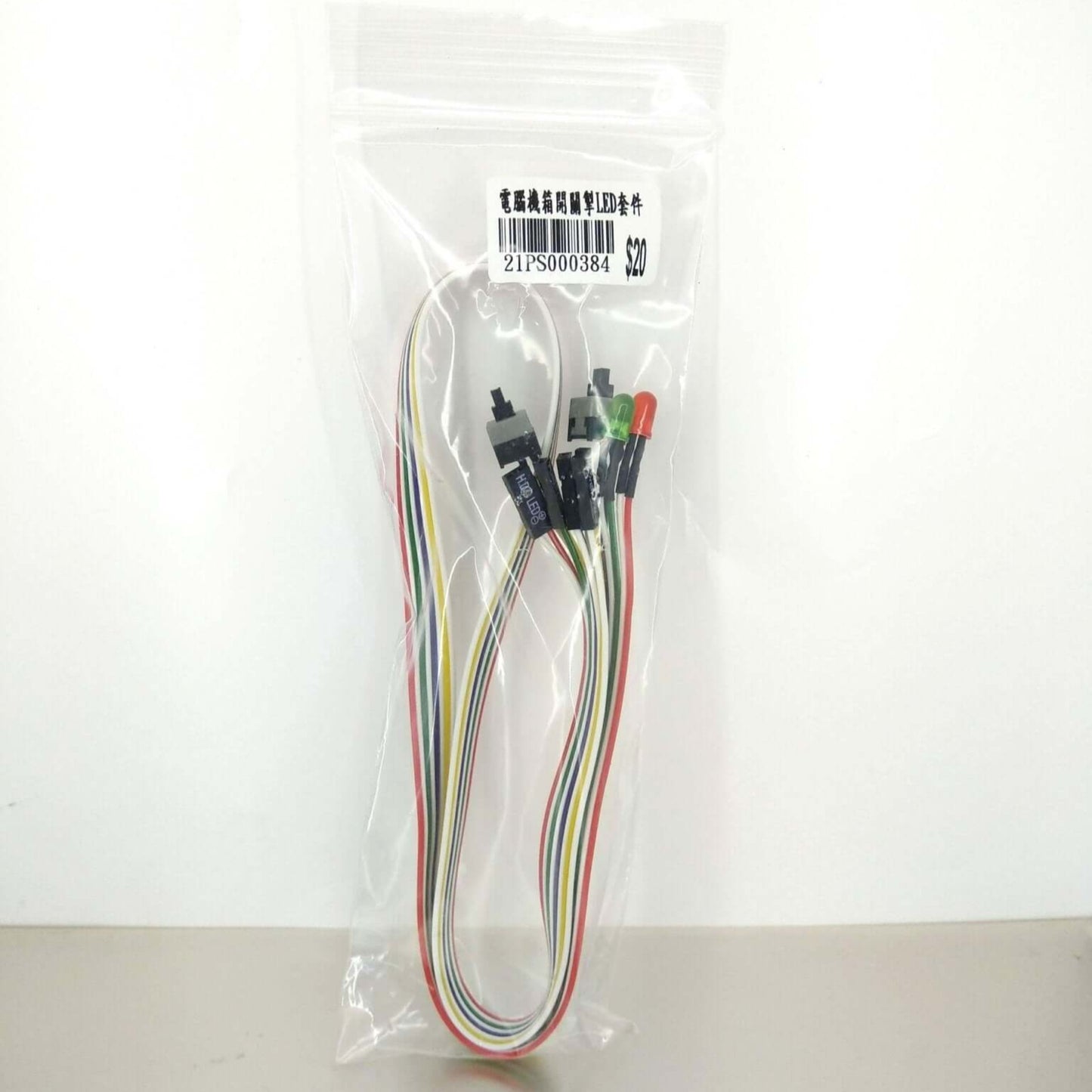
- Generous Cable Length: With a length of approximately 68cm (27 inches), it provides ample reach for most standard and large ATX computer cases, allowing for neat cable management.
- Vibrant LED Indicators: Comes with red and green LEDs for clear visual feedback on your computer's power status and hard drive activity.
What's Included:
- 1 x ATX PC Power Button Cable Set
Installation Guide (Simple Steps):
- Connect to Motherboard: Identify the corresponding pins on your motherboard's front panel header. The cables are clearly labeled (POWER SW, RESET SW, POWER LED+, POWER LED-, HDD LED).
- Attach to Case: Connect the switch ends (POWER SW, RESET SW) to your computer case's front panel buttons. The LED ends (Power LED, HDD LED) will illuminate through the case's indicator light openings.
- Enjoy: Once connected, your power and reset buttons will be functional, and the LED indicators will provide real-time system status.
Technical Specifications:
- Cable Length: Approx. 68cm / 27 inches
- Design: H.D.D LED, Power LED+, Power LED-, Reset SW, Power SW
- Compatibility: ATX Architecture Computers