
-
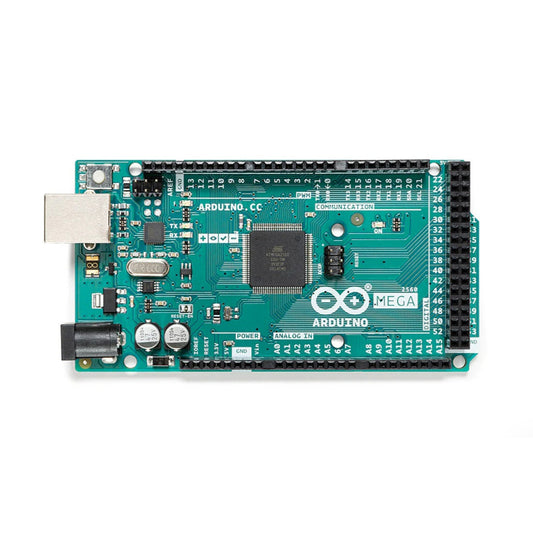
Arduino Mega 2560 Rev3 Development Board
Regular price $1,512.00 TWDRegular price -
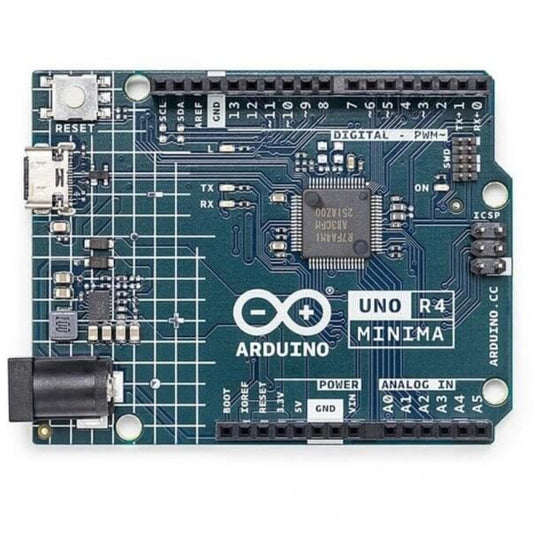
Arduino UNO R4 Minima Microcontroller Board (ABX00080)
Regular price $964.00 TWDRegular price
How to Choose the Right Microcontroller Board
Selecting the correct development board depends heavily on your project's processing needs, power constraints, and connectivity requirements. Here is a technical breakdown of our core offerings:
| Board Series | Core Processor & Logic Voltage | Best Use Case | Wireless Connectivity |
|---|---|---|---|
| Arduino Uno R3 | 8-bit AVR (5V Logic) | Beginner STEM education, basic motor control, and sensor reading. | None (Requires external shield) |
| Arduino Uno R4 WiFi | 32-bit ARM Cortex-M4 (5V Logic) | Advanced hardware processing, LED matrix displays, and fast calculations. | Built-in Wi-Fi & Bluetooth |
| ESP32 Series | 32-bit Dual-Core (3.3V Logic) | IoT applications, smart home integration, and low-power sensor nodes. | Built-in Wi-Fi & BLE |
Important Note (Hardware Limitation & Burn Hazard): Pay strict attention to the logic voltage levels. The classic Arduino Uno operates on 5V logic, whereas the ESP32 is strictly a 3.3V device. Sending a 5V sensor signal directly into an ESP32 GPIO pin will instantly fry the microcontroller. Always use a Logic Level Converter when interfacing 5V peripherals with 3.3V boards.
Frequently Asked Questions (FAQ)
Q: Can I run my existing Arduino code (sketches) on an ESP32 board?
A: Yes, you can program the ESP32 using the Arduino IDE by installing the ESP32 board manager. However, because the hardware architecture and GPIO pinouts are completely different, you must remap the pin numbers in your code. Some hardware-specific Arduino libraries may also require ESP32-compatible alternatives.
Q: Which board is best for a battery-powered outdoor IoT project?
A: The ESP32 or ESP8266 is highly recommended due to their "Deep Sleep" modes, which consume only microamps (µA) of power, allowing a battery to last for months. Standard Arduino Uno boards are terrible for battery projects because their always-on power LEDs and inefficient linear voltage regulators will drain a battery in days.