-
High-Speed HDMI 1.4 Cable - 4K 30Hz & 1080p, Gold-Plated (0.5m-20m)
Regular price From HK$22.00Regular price -
Micro HDMI to HDMI Cable (1080P Full HD) │ For Raspberry Pi 4
Regular price From HK$49.00Regular price -
DP to HDMI Cable 1.5 Meter: 4K Video & Audio for PC to HDTV
Regular price HK$59.00Regular price -
RCA AV Cable - 3RCA Male to Male Composite Audio Video Cord
Regular price From HK$12.00Regular price -
Mini HDMI to HDMI Cable 1.5m – High-Speed Gold-Plated 1080p
Regular price HK$39.00Regular price -
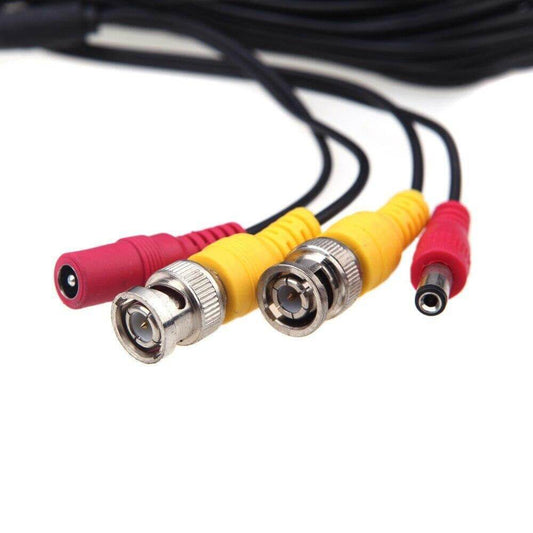
All-in-One BNC+DC Video & Power Cable for CCTV Security Cameras
Regular price From HK$29.00Regular price -
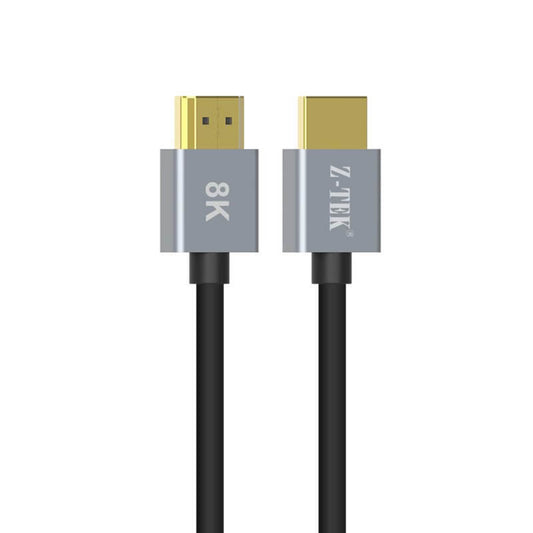
Z-TEK 8K HDMI 2.1 Ultra High Speed Cable - 1.5m/3m/5m
Regular price From HK$99.00Regular price -
Z-Tek HDMI 2.0 Cable 4K 60Hz - 1.5M/3M/5M/10M/15M
Regular price From HK$39.00Regular price -
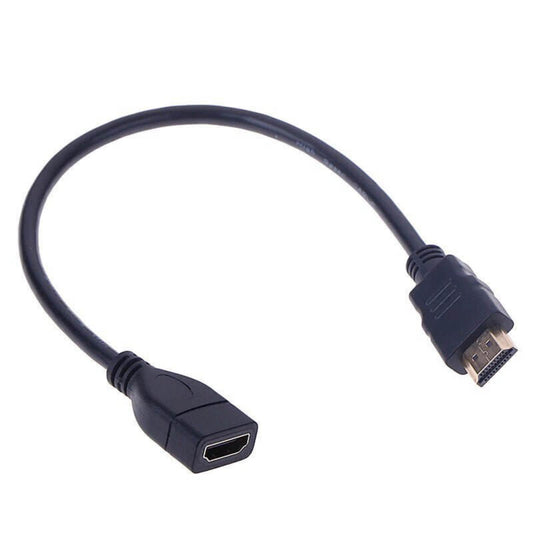
30cm HDMI 1.4 Male-to-Female Extension Cable
Regular price HK$25.00Regular price -
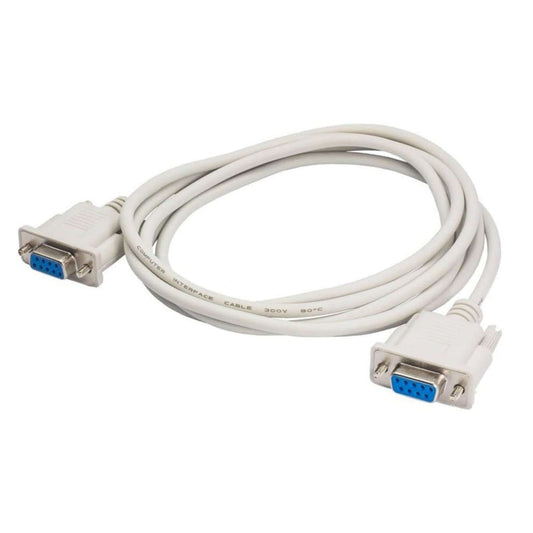
DB9 RS232 Serial Straight-Through Cable - 1.5 Meter (M/M, M/F, F/F)
Regular price HK$15.00Regular price -
Hagibis 4K HDMI Extension Cable (1.5m) – Male to Female Extender Cord
Regular price HK$45.00Regular price -
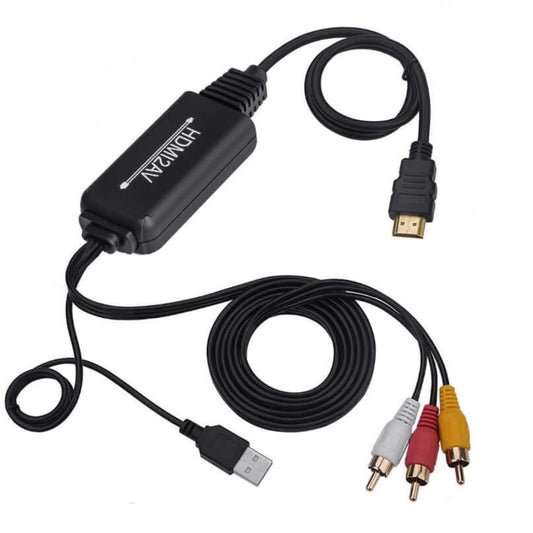
HDMI to RCA/AV Converter Cable - Digital to Analog Adapter
Regular price HK$159.00Regular price -
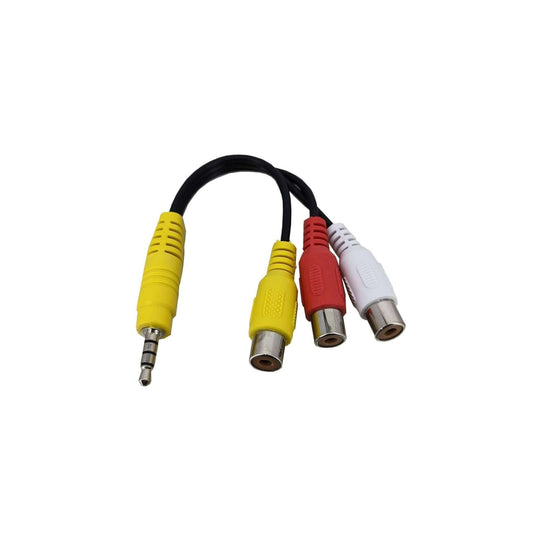
3.5mm to RCA AV Adapter Cable - Audio/Video Splitter for TV
Regular price HK$15.00Regular price -
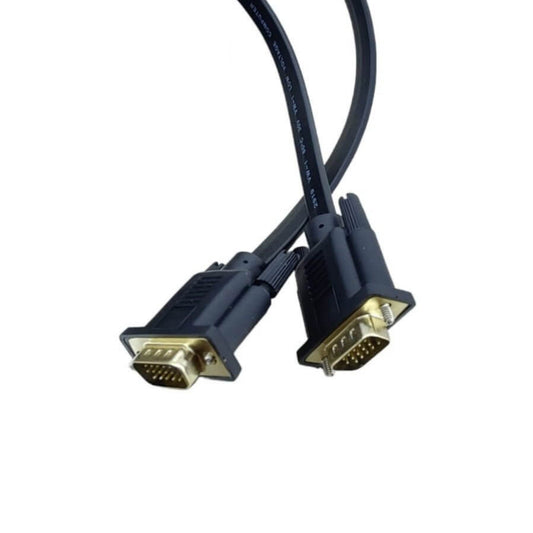
1080P VGA Flat Cable: 15-Pin Male to Male for PC, Monitor, HDTV
Regular price From HK$29.00Regular price -
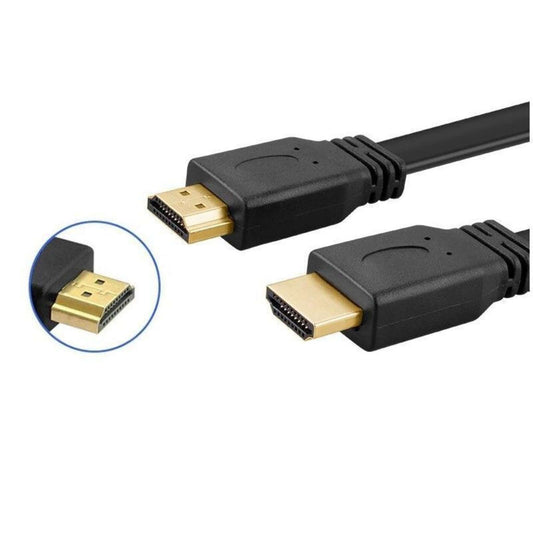
Premium HDMI Flat Cable (1080p) | Gold-Plated | Various Lengths
Regular price From HK$22.00Regular price
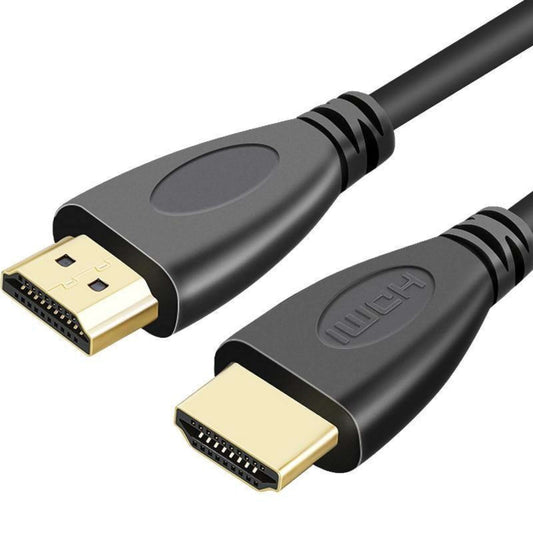
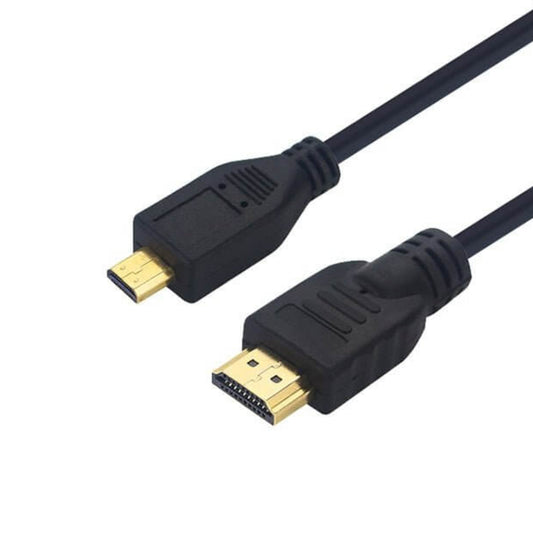


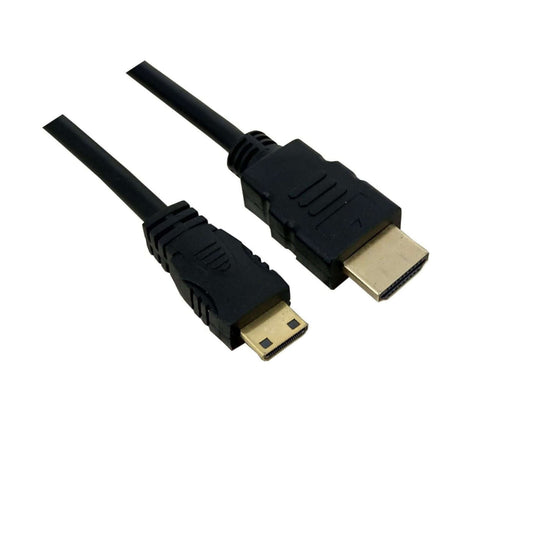


Video Cable Standards & Technical Specifications
Selecting the correct video cable or adapter is crucial for maximizing your monitor's refresh rate and preventing display artifacts. Here is a technical breakdown of our core video connectivity solutions:
| Cable / Interface Type | Max Bandwidth & Resolution | Best Use Case |
|---|---|---|
| HDMI 2.1 (Ultra High-Speed) | 48 Gbps | 8K@60Hz / 4K@120Hz | Next-gen gaming consoles (PS5/Xbox Series X) and high-refresh-rate PC monitors. |
| HDMI 2.0 (High-Speed) | 18 Gbps | 4K@60Hz / 1080p@240Hz | Standard Smart TVs, set-top boxes, and general office workstations. |
| VGA (D-Sub) | Analog | Up to 1080p (Quality degrades over distance) | Legacy projectors, older CCTV monitors, and school presentation setups. |
| RCA / AV Composite | Analog | Standard Definition (480i/576i) | Retro gaming consoles, older DVD players, and legacy audio-visual equipment. |
Important Note (Hardware Limitation): Video conversion between digital (HDMI) and analog (VGA/RCA) is strictly directional. An "HDMI to VGA" adapter will only work if the source is HDMI (e.g., a laptop) and the display is VGA (e.g., an old monitor). It will not work in reverse. Furthermore, active converters require a built-in DAC (Digital-to-Analog Converter) chip and often need external USB power to function stably.
Frequently Asked Questions (FAQ)
Q: I bought an HDMI to VGA cable online, but my monitor says "No Signal". Why?
A: Cheap, passive "HDMI to VGA" cables without a conversion box rarely work because they cannot convert a digital signal into an analog one. You must use an Active Adapter with a built-in conversion chip. If you are experiencing this issue, bring your device to our physical store, and we will test an active adapter on-site to guarantee it works before you buy.
Q: Does the length of an HDMI cable affect picture quality?
A: For standard passive HDMI cables, lengths over 5 meters (16 feet) can suffer from signal degradation, resulting in screen flickering or dropping to a lower resolution. If you need to route an HDMI cable over 10 meters (e.g., for a ceiling projector), we strongly recommend using an Active Optical HDMI Cable (AOC) or an HDMI over Ethernet extender to maintain 4K integrity.