-
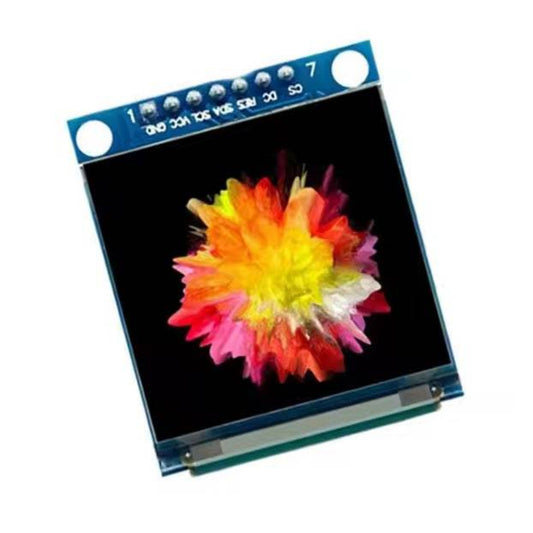
1.5" 128x128 Full Color OLED Display Module with SSD1351 Driver
Regular price HK$139.00Regular price -
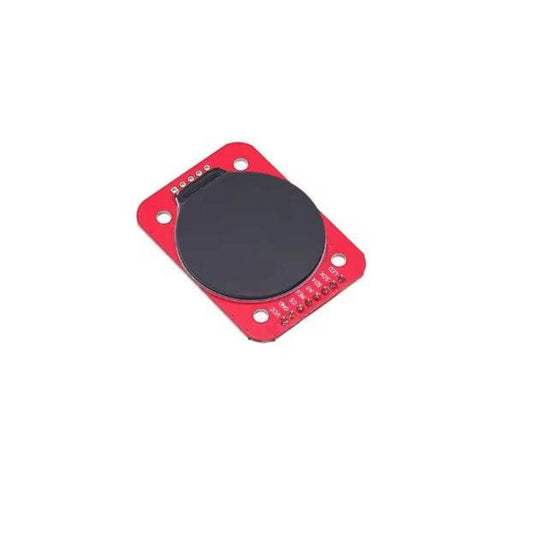
1.28" Round IPS TFT LCD Display Module - 240x240 SPI
Regular price HK$79.00Regular price -
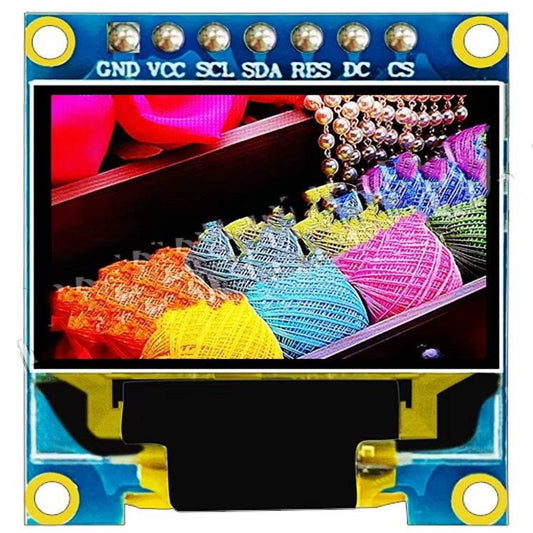
0.95" Color OLED Display Module - SSD1331 SPI (96x64)
Regular price HK$65.00Regular price -
I2C 2004A 20x4 LCD Display Module with Blue Backlight for Arduino
Regular price HK$65.00Regular price -
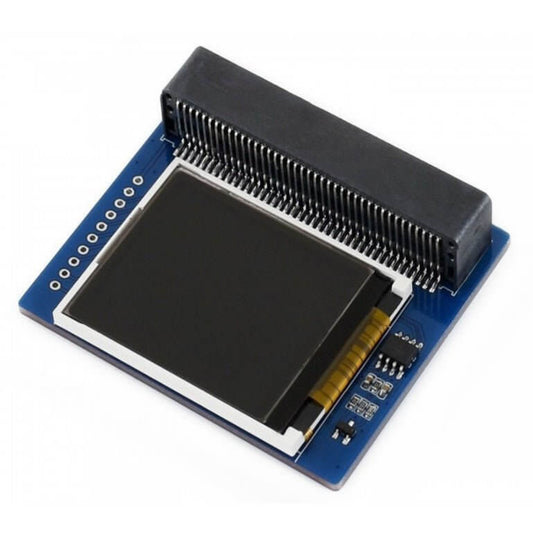
1.8" Colorful Display Module for micro:bit (160x128, 65K Colors)
Regular price HK$168.00Regular price -
3.5" TFT LCD Touch Screen Module 480x320 ILI9486 Shield w/ SD Slot
Regular price HK$129.00Regular price -
1.77" TFT LCD Display Module ST7735S 128x160 SPI Interface for Arduino
Regular price HK$39.00Regular price -
1.9" IPS TFT LCD Display Module ST7789 Driver 170x320 SPI Interface
Regular price HK$65.00Regular price -
2.42" OLED Display Module SSD1309 128x64 I2C Interface (3.3V)
Regular price HK$99.00Regular price -
12864 Graphic LCD Module (Blue/White) - ST7920 Parallel/Serial
Regular price HK$59.00Regular price -
Waveshare 1.28" Round LCD Display Module | 240x240 IPS, SPI, GC9A01
Regular price HK$129.00Regular price -
Waveshare 1.83" IPS LCD Display Module | 240x280 SPI for Pi & Arduino
Regular price HK$95.00Regular price -
0.4" 4-Digit 7-Segment Red LED Display Tube (12-Pin) | DIY & STEM
Regular price HK$12.00Regular price -
MAX7219 8-Digit 7-Segment LED Display Module | Arduino Compatible
Regular price HK$25.00Regular price



Microcontroller Display Specifications & Interfaces
Selecting the correct screen involves balancing resolution, power consumption, and the available I/O pins on your microcontroller. Here is a technical breakdown of our core display modules:
| Display Type | Key Technical Features & Interface | Best Use Case |
|---|---|---|
| OLED Modules (e.g., SSD1306) | Self-illuminating pixels, infinite contrast, I2C/SPI (3.3V/5V) | Wearable tech, portable instruments, and low-power text readouts. |
| TFT LCD Modules (e.g., ST7735) | Full-color RGB, high refresh rate, SPI/Parallel interface | Smart home control panels, graphical user interfaces (GUI), and image rendering. |
| E-Paper / E-Ink Displays | Ultra-low power, retains image without power, SPI interface | Electronic shelf labels, smart badges, and battery-powered IoT weather stations. |
| 7-Segment & LED Matrix | MAX7219 driver, high brightness, daisy-chainable | Digital clocks, counters, and scrolling text marquees. |
Important Note (SRAM Limitations & OLED Burn-in): A standard Arduino Uno only has 2KB of SRAM. This is absolutely insufficient to hold a full-color frame buffer for a large TFT LCD (e.g., 3.5-inch). Forcing an Uno to drive a large color display will result in extremely slow refresh rates or instant system crashes. For full-color GUIs, you must upgrade to an ESP32 or Raspberry Pi. Furthermore, OLED screens suffer from physical "burn-in" if a static image is displayed continuously for months. Always implement a screen saver or sleep mode in your code for 24/7 OLED projects.
Frequently Asked Questions (FAQ)
Q: I wired my I2C OLED display perfectly, but the screen remains completely black. Why?
A: The most common issue is an I2C address mismatch. Most SSD1306 OLEDs ship with a default I2C address of either 0x3C or 0x3D. If your Arduino sketch uses the wrong address, the screen will not initialize. We highly recommend uploading an "I2C Scanner" sketch to your board first to verify the exact hardware address before running your display code.
Q: Does an E-Paper display really consume zero power?
A: It consumes zero power only when the image is static (you can even disconnect the power wires, and the image will remain on the screen). However, during the "refresh" cycle (which takes 2 to 5 seconds), it actively draws power. Therefore, E-Paper is perfect for a dashboard that updates once an hour, but it is a terrible choice for a digital stopwatch or fast-moving animations.