
-
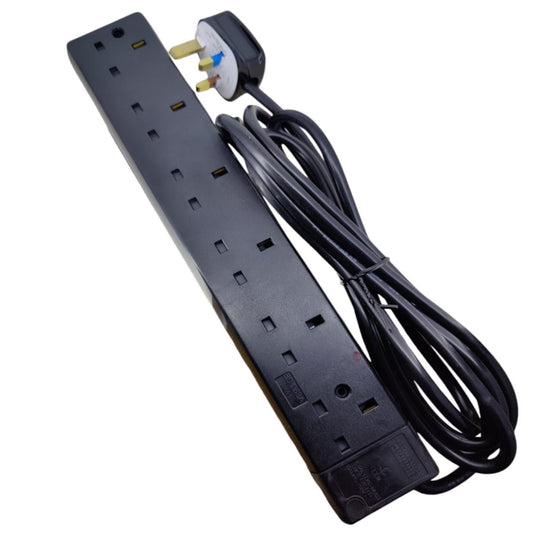
Winstar 6-Gang Individually Switched Extension Lead | 20ft & 30ft
Regular price From HK$155.00Regular price -
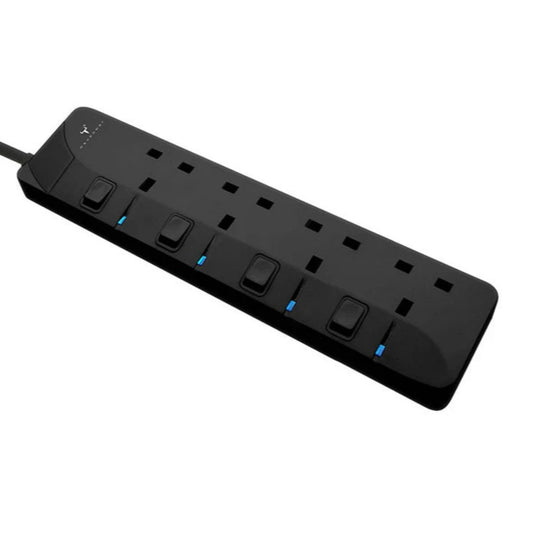
Maxpower RX40 4-Gang Safety Power Strip with Individual Switches
Regular price HK$108.00Regular price -
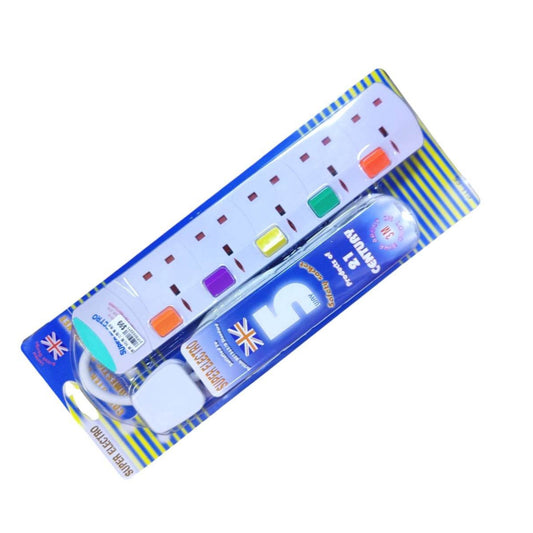
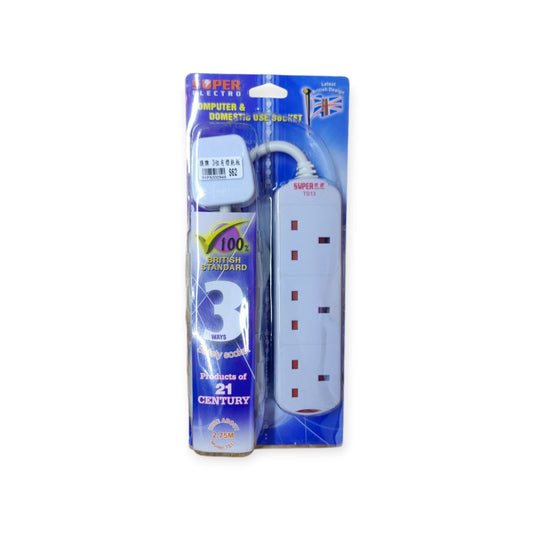
Super Electro 3/4/5-Socket Extension Lead with Switches
Regular price From HK$62.00Regular price -
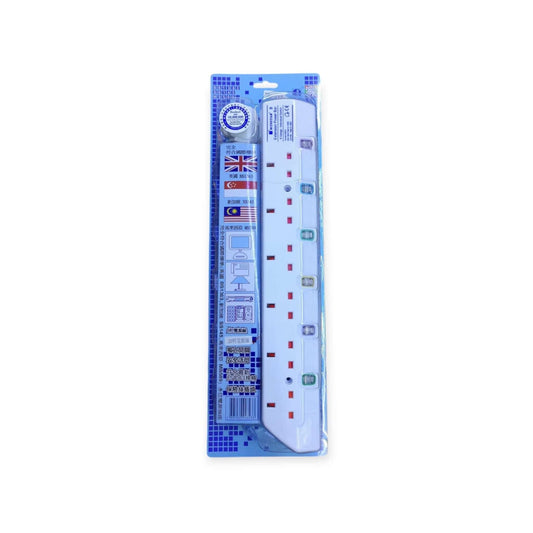
SUPER ELECTRO Extension Lead (3/5/8 Way) - British Standard BS1363
Regular price From HK$68.00Regular price -
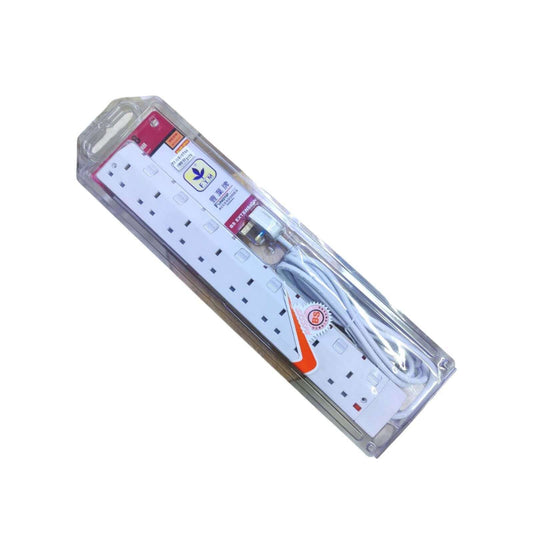
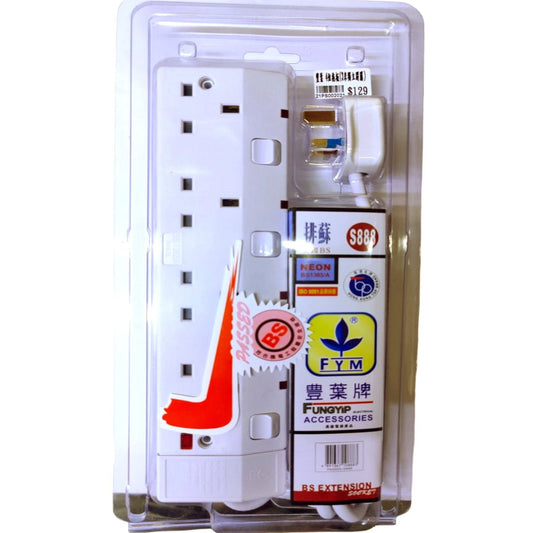
FYM S988 8-Way BS1363A Extension Socket with Individual Switches
Regular price HK$199.00Regular price -
FYM 6-Outlet Power Strip with 3m Cord | 13A Overload Protection
Regular price HK$105.00Regular price -
FYM 4-Way Switched 13A Extension Lead (3-Meter)
Regular price HK$145.00Regular price -
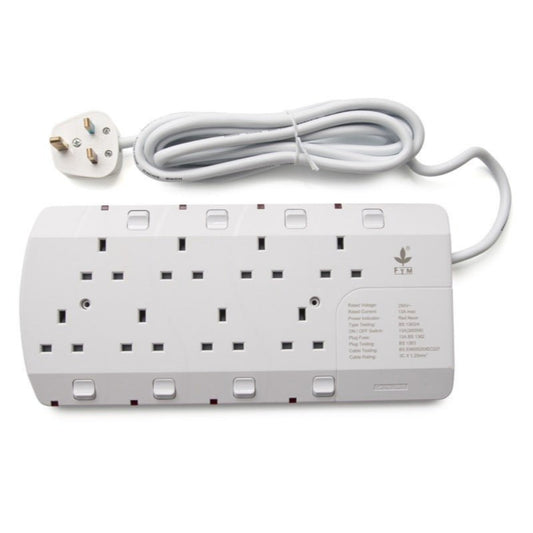
FYM 8-Way 13A UK Plug Extension Lead with Individual Switches
Regular price HK$199.00Regular priceHK$155.00Sale price HK$199.00 -
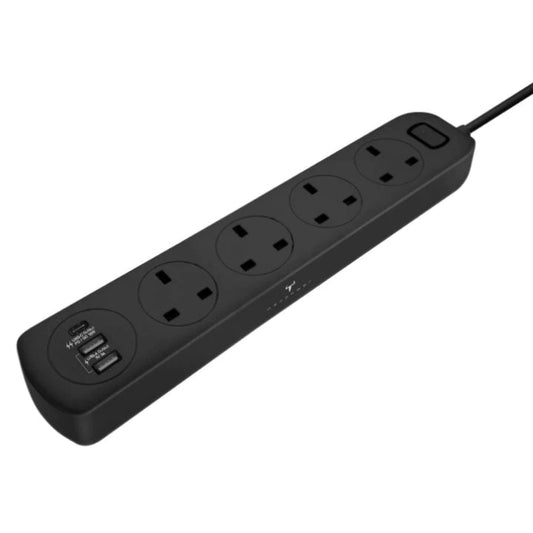
Maxpower 4-Way Power Strip with USB Charging (1 Type-C, 2 USB-A)
Regular price HK$198.00Regular price -
FYM 13A 4-Gang Unwired Extension Socket Casing | BS1363/A
Regular price HK$89.00Regular price -
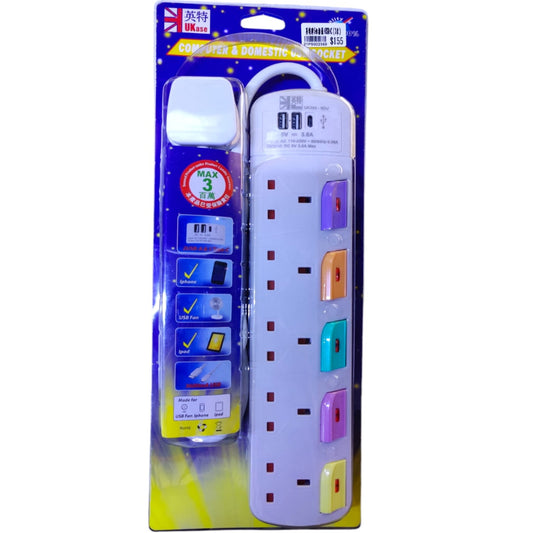
Ukase 3M 5-Outlet Extension Lead with USB-C & USB-A Ports
Regular price HK$170.00Regular price

How to Choose the Right Power Strip & Extension Lead
Selecting the correct power extension goes beyond counting the sockets. To ensure electrical safety and device longevity, consider these technical specifications before purchasing:
| Feature / Type | Best Use Case | Technical Benefit |
|---|---|---|
| Individually Switched | Home theaters, PC setups, kitchen appliances | Allows power cut-off to specific devices, preventing phantom load and enhancing safety. |
| Surge Protection | Expensive electronics (PCs, Smart TVs, NAS) | Absorbs voltage spikes to prevent motherboard or component burnout during electrical surges. |
| Integrated USB Ports | Office desks, bedside tables | Frees up 13A sockets by directly charging mobile devices without bulky adapters. |
Important Note (Safety Limitation): Never "daisy-chain" (plugging one power strip into another) to extend reach. This can easily overload the wall socket's 13A limit, leading to overheating and fire hazards. Additionally, the built-in USB ports on standard extension leads are designed for 5V mobile charging; they cannot power high-wattage laptops unless explicitly rated for USB-C PD (Power Delivery).
Frequently Asked Questions (FAQ)
Q: What does "13A" mean on a UK extension lead?
A: 13 Amps (13A) is the maximum total current the extension lead can safely handle across all its sockets combined. In Hong Kong (220V), this equates to roughly 2860 Watts. Plugging in multiple high-draw appliances like space heaters or kettles simultaneously can trip the built-in fuse.
Q: Are extension leads with longer cables (e.g., 5 meters) safe?
A: Yes, provided the internal copper wire gauge is thick enough. However, you must fully uncoil the cable during use. Keeping a long power cable coiled while drawing high current can cause electromagnetic induction and severe overheating.